Weekly Notes Template: A Simple Layout You Can Adapt
Get a free weekly notes template with seven core fields, a 10-minute routine, and ways to adapt it for events, reflections and weekly plans.

In this article
- Copy-Ready Weekly Notes Template and Field Times
- What Each Field Holds
- Why Seven Days Works
- Adapting the Template for Events, Reflections and Plans
- Three Weeks, Three Shapes
- What the Evidence Supports and What It Doesn't
- Keeping Weekly Notes Private and Easy to Export
- Sort Notes Into Three Types
- Check the Tool Before You Trust It
- Fixing a Weekly Template That Feels Like Homework
- More Prompts Isn't More Help
- Set Up Your Weekly Notes Template This Sunday
A week blurs together, you open your notes to place a meeting or a conversation, and there's nothing specific enough to tell you which week it happened in. A good weekly notes template fixes that without asking you to write a diary entry. It gives you seven small fields, the same every week, and permission to stop when they're done.
Copy-Ready Weekly Notes Template and Field Times
Copy this layout into Apple Notes, Google Keep, Notion, a spreadsheet, or a paper notebook. Don't rename the fields yet, and don't add more.
Week dates: Headline: Key events: Mood: Image or attachment: Tags: Carry forward:
That's the whole core. The point isn't completeness. It's that six months from now you can scan headlines and tags and find the week you're looking for in seconds, instead of rereading paragraphs that all sound alike.
What Each Field Holds
Weekly notes template fields and time to complete
| Field | What to Write | Time |
|---|---|---|
| Week dates | Start and end date, or week number | 10 seconds |
| Headline | One sentence naming the week's main thing | 30 seconds |
| Key events | Three to five short bullet points | 3 minutes |
| Mood | Score from 1 to 5 plus one word | 15 seconds |
| Image or attachment | One photo or screenshot | 1 minute |
| Tags | Two or three labels such as work, family or health | 30 seconds |
| Carry forward | One thing to keep or change next week | 1 minute |
Together those fields come to about six to seven minutes, and under ten with tidying. If a field regularly takes much longer, you're probably writing more than the field needs. Key events, for example, are short bullets, not a retelling.
Your headline sets the tone. Try something like "Moved desks, lost three days to flu, finished the draft" and you'll see the expected length immediately. One sentence, plain language, enough detail that you'd recognize that week a year later. If nothing big happened, say so. "Quiet week, mostly at home" is a perfectly useful headline.
For mood, the number matters less than consistency. Use the same 1 to 5 scale every week and add one word, such as flat, rushed, steady, or relieved. If you want to see how other people phrase that pairing, look at some examples of simple mood tracking entries and steal the wording style that feels natural to you.
Practical rule: One image that you actually picked beats a camera roll you never sorted. Choose the photo that would remind you what the week felt like, not the best photo you took.
Why Seven Days Works
The week is the stable chunk most planners, school terms, and work rotas already use, so you don't have to define a new period for every entry. As NASA's historical overview of calendars notes, the seven-day week is associated with ancient calendrical practice, and one year contains approximately 52 weeks. That makes each entry a repeatable unit in a longer run, small enough to fill in from memory on a Sunday, big enough that you're not writing every day.
Daily notes break the first time you miss three days in a row. Monthly notes are too coarse, since you'll forget which week the leak, the offer, or the good news landed in. A week sits in between, and it matches how you already talk about your time.
Use this fit test before you change anything. If you can fill every field on a Sunday evening without hunting for facts, checking old messages, or opening your calendar for more than a quick glance, the layout is right. If you can't, the field is asking for too much detail, not too little effort from you.
Adapting the Template for Events, Reflections and Plans
Keep the seven core fields every week and add one block only when the week calls for it. Never add all three at once in an ordinary week. That single rule is what keeps the template stable enough to review later while still letting different weeks take different shapes.
Template variants and when to use each
| Variant | Extra Fields | Best Used For |
|---|---|---|
| Event week | Event name, who was there, general location, photo set | Trips, weddings, moves, milestone birthdays |
| Reflection week | Two things that went well, one thing that drained you, mood compared with last week | Hard weeks and checking patterns over months |
| Planning week | Three priorities, one fixed commitment, one thing to drop | Weeks before exams, deadlines or a new goal |
Three Weeks, Three Shapes
Say you spend a weekend at a wedding. Your core fields still cover the headline and mood, but an event block earns its place because the useful details are who was there and where you were in general terms. Write the city, not the venue address, and attach a small photo set rather than every picture from the day.
Now say the opposite kind of week happens. Nothing notable occurred, but you felt worn down by Thursday. A reflection block fits better than an event block. Two things that went well, one thing that drained you, and a quick note on whether your mood moved up or down compared with last week. That's enough to spot a pattern after a few months without turning the note into an essay.
A planning block works best when it's written before the week it describes, on the Sunday before an exam period, a launch, or a busy stretch at work. Three priorities, one fixed commitment you can't move, and one thing you'll drop on purpose. The "one thing to drop" line is the part people skip and the part that makes the other three priorities realistic.
If you're unsure how much writing any of this takes, reading through guidance on how journal entries are usually structured can help you keep each block to a few lines. And if your weekly notes draw on articles, PDFs, or meeting material you want to keep linked to their sources, this roundup of AI tools for source-linked research notes from Simply Tech Today is worth browsing before you commit to a workflow.
What the Evidence Supports and What It Doesn't
A reflection block isn't just a diary exercise. A 2022 systematic review and meta-analysis of journaling trials covered 20 peer-reviewed randomized controlled trials and found journaling interventions produced an average statistically significant 5% reduction in patient scores on mental-health measures compared with control groups, with a larger reported reduction for anxiety at 9%.
That's a small average effect across structured interventions, not a promise about your Sunday note. It doesn't mean every weekly note helps, and it doesn't replace professional care. What it does support is keeping the reflection block short, optional, and tied to a defined week, since that's the version you're likely to sustain long enough for any benefit to show up.
Keeping Weekly Notes Private and Easy to Export
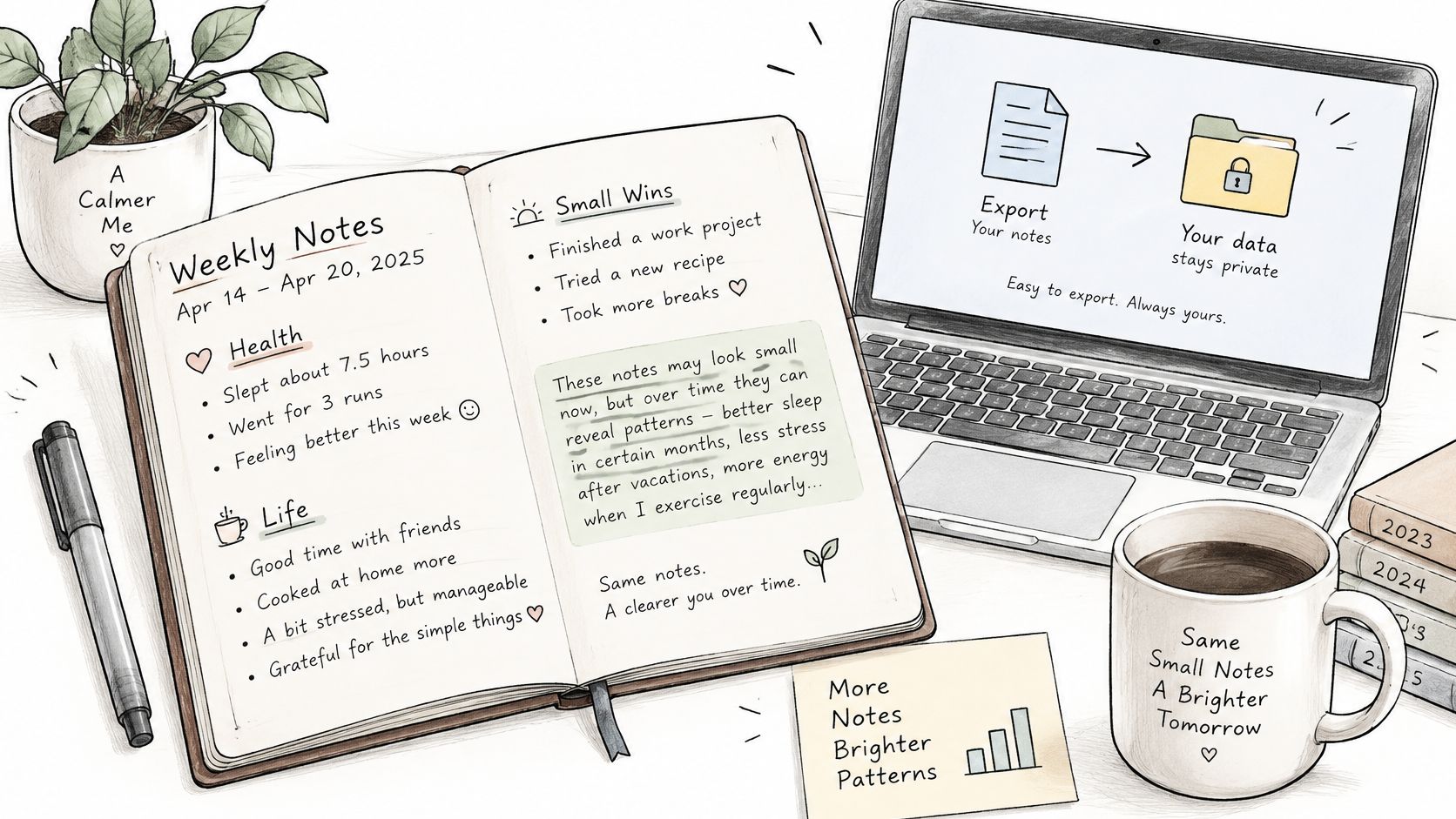
A single entry that says "saw the doctor about my knee" looks harmless. Across two years of weekly notes, entries like that can reveal a health pattern, a relationship change, or a place you go every week. The archive is more sensitive than any one note in it, and that's the assumption most template guides never question.
Sort Notes Into Three Types
Note types and how to write each
| Note type | Example entry | How to write it |
|---|---|---|
| Ordinary | Saw a film with a friend | Keep as written |
| Private | Argument with partner about money | Write 'difficult conversation' and keep details out of the archive |
| Sensitive | Saw the doctor about my knee | Write 'medical appointment' with no diagnosis, names or exact address |
Write sensitive details in general terms, such as "medical appointment" instead of the diagnosis. Use a neighbourhood or city instead of an exact address, and avoid naming people in sensitive weeks. You'll still remember what the entry means. Someone reading over your shoulder, or a leaked export, reveals much less.
Check the Tool Before You Trust It
Digital diary users in research on privacy and data sharing in digital diaries valued reminders because they reduced the burden of forgotten entries, but they also raised concerns about privacy and data sharing when diaries are held in larger databases. Both reactions are reasonable, and they point at the same trade-off. Reminders and attached images improve continuity, and they also increase how much sensitive material accumulates.
Before you commit to any app, run a short check.
- Device lock: Confirm the app sits behind your phone's passcode or biometric lock, not just an account password.
- Minimal permissions: Deny location, contacts, and microphone access unless a feature you use needs them.
- Retention and sharing policy: Read how long data is kept, whether it's shared, and how deletion works.
- Storage: Prefer local or encrypted storage where it's available, especially for sensitive weeks.
Then test the exit. Export your notes, open the file outside the app, and confirm that dates and tags survive the export in a readable form. If the export is a scrambled dump, you don't really have portability, whatever the settings screen claims. Store one copy outside the app each year, somewhere you'd still have if the service shut down tomorrow.
Fixing a Weekly Template That Feels Like Homework
The most common failure is simple. You skip weeks because the form asks for too much, then the gap makes restarting feel like catching up on overdue assignments. The fix is almost never more discipline. It's fewer required fields.
Weekly template symptoms, causes and fixes
| Symptom | Likely Cause | Fix |
|---|---|---|
| Skipping weeks | Too many required fields | Use only the seven-field core for two months |
| Entries get longer and emptier | Prompts ask for narrative every week | Allow blank fields and one-line weeks |
| Every week reads the same | Fixed sections force one shape | Rotate the add-on block monthly |
| Tags are forgotten or inconsistent | Tags chosen after the fact | Use three fixed tag categories |
| Export is hard to read | One long text dump | Export monthly with dates as headers |
More Prompts Isn't More Help
Adding prompts feels generous, but each one is a small decision you have to make when you're already tired. Qualitative research on how people actually keep journals found that one interviewed journaler replaced a bullet-journal-style template with a simpler, largely blank format because the original felt too restrictive. The same work found digital journalers often preferred flexible general-purpose tools, which suggests flexibility and low cognitive load support sustained documentation better than exhaustive structure does.
I'd treat that as your design principle. A field you leave blank most weeks isn't a field you need, and a prompt that forces a narrative onto an ordinary week produces filler you'll never reread. One-line weeks are a feature, not a failure. Some weeks are just "worked, rained, slept badly," and writing that down takes twenty seconds.
A blank field tells the truth about a quiet week. A filled-in field often just tells you the prompt was compulsory.
Tags deserve the same treatment. Pick three fixed categories that cover most of your life, such as work, family, and health, and stop inventing new ones on the fly. Inconsistent tags are worse than broad ones because they break the filtering you'll rely on later. If you're still deciding on the basics of the habit itself, this walkthrough on how to start and keep a journal covers the routine side in more detail.
Then do the revision step many skip. At week eight, look back over your entries and note which fields you used without forcing it. Delete the rest, or demote them to an optional block. Two months of evidence about your own behaviour beats any template you downloaded, including this one.
Set Up Your Weekly Notes Template This Sunday
Do one thing this Sunday, and keep it small. Copy the seven core fields into a single note or a spreadsheet, with one heading or column per field. Then block a 15-minute Sunday slot and fill in your first entry before you change anything else about your setup. If you need help placing that slot so it survives contact with a real week, this guide to build a manageable weekly schedule from Fluidwave is a sensible place to start.
Run the template unchanged for four weeks. At week four, make only a first cut. Note which fields you used and leave the rest blank, but don't add or drop fields yet, because four weeks is too small a sample to judge. Add a variant block only in a week that needs one. The full field review still comes at week eight.
The takeaway that matters: The best weekly template is the one you'll fill in on a normal Sunday, not the one that looks impressive when it's empty.
Life Calendar is an optional choice if you like a grid view of your weeks, where you can mark each week with colors and add notes, images, mood, and tags to it. The same seven fields work just as well in any notes app if you'd rather keep writing where you already write. Either way, the recipe stays the same. Week dates, headline, key events, mood, one image, tags, and a carry forward, done inside a 15-minute slot.
If a life-in-weeks grid appeals to you, Life Calendar lets you mark each week with colors and attach notes, images, mood, and tags, so this seven-field layout drops straight into a visual timeline. It's available to download on the App Store and the Play Store. Set up your first week this Sunday and let the grid fill in one ordinary week at a time.