Weekly Notes Planner: How to Organize Reflections by Week
Learn how a weekly notes planner groups reflections, events and plans by calendar week, with setup steps and tips for finding records later.
In this article
- Why Weeks Make a Reliable Container for Your Life
- What Goes Into Each Week of Your Planner
- Facts, meaning and what carries forward
- The layer that makes weeks searchable
- How to Set Up a Weekly Notes Planner in One Sitting
- Check the year boundary before you number anything
- Finding Past Events by Week Instead of Exact Date
- Give every record two labels
- Tracking Mood as Patterns Rather Than Single Scores
- Reading the numbers without fooling yourself
- Weekly Capture Versus Daily Journaling
- Choose a Planner Whose Records You Control
- Six checks before you commit years of entries
You're flipping through a notebook from two years ago, trying to answer a simple question: did the trip to the coast come before the job change, or after? The entries are there, the handwriting is yours, but the order has gone soft. Half the pages carry no date, and the ones that do only say "Tuesday." A weekly notes planner solves that problem before it starts, because it gives every note a fixed address instead of a floating position in a stack of pages.
Why Weeks Make a Reliable Container for Your Life
A week repeats on a schedule nobody has to invent, and that's what makes it useful as a filing system.
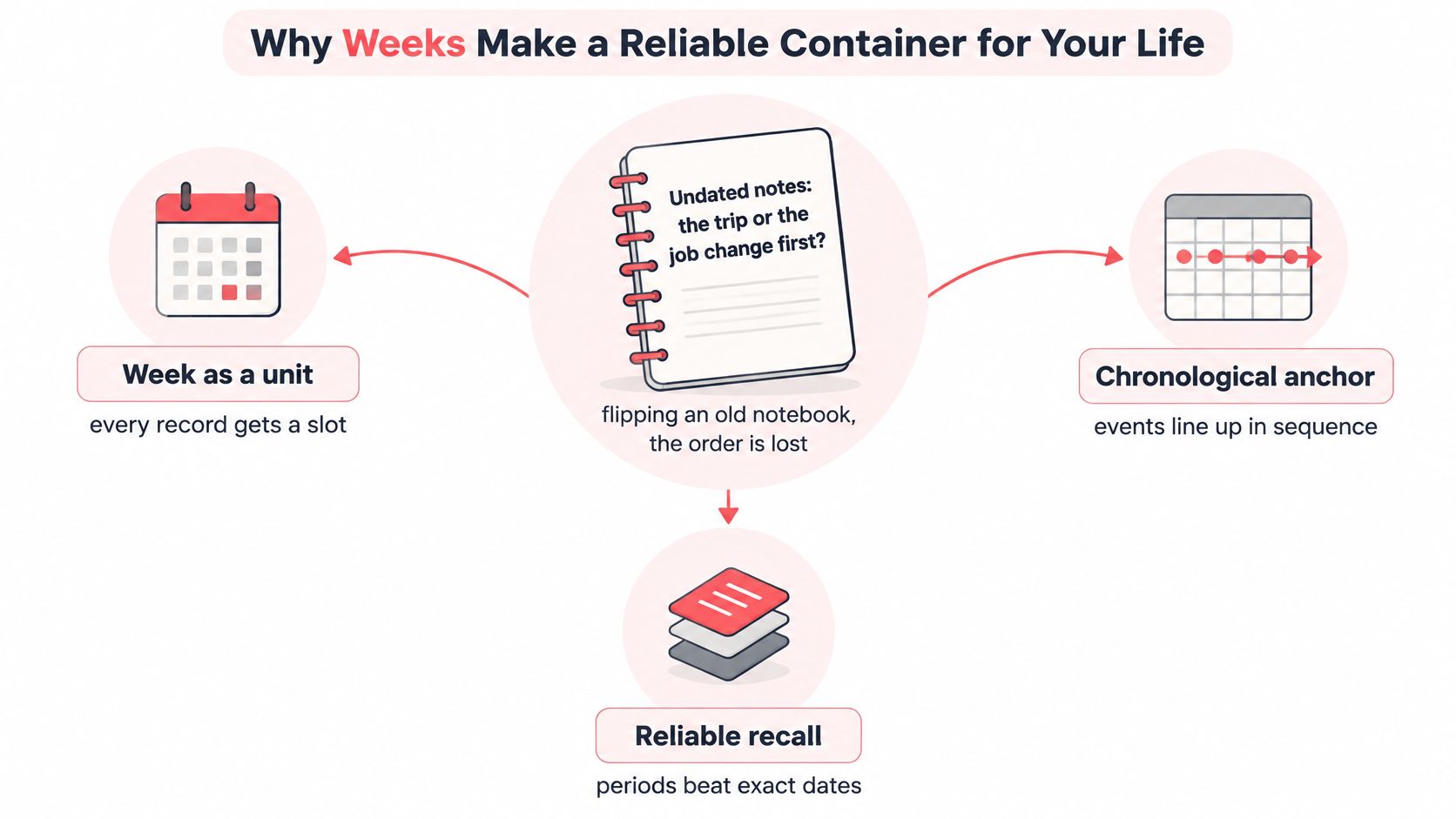
The rules are already written down. Under the ISO 8601 date standard, first published in June 1988 and building on the earlier week-numbering standard ISO 2015 from 1976, a week runs Monday to Sunday, and the first week of a year is the one containing the year's first Thursday. Most years hold 52 ISO weeks and some hold 53, so expect an occasional longer cycle rather than treating it as an error.
Think of a filing cabinet where each drawer is one week. Every note goes into exactly one drawer, and the drawer never moves. A dated diary lets entries drift and gaps hide; a weekly grid keeps each record in a stable slot, so a label like 2026-W05 becomes the key every later note hangs from.
A week label isn't decoration on a page. It's the handle you'll grab years later when the exact date is gone.
What Goes Into Each Week of Your Planner
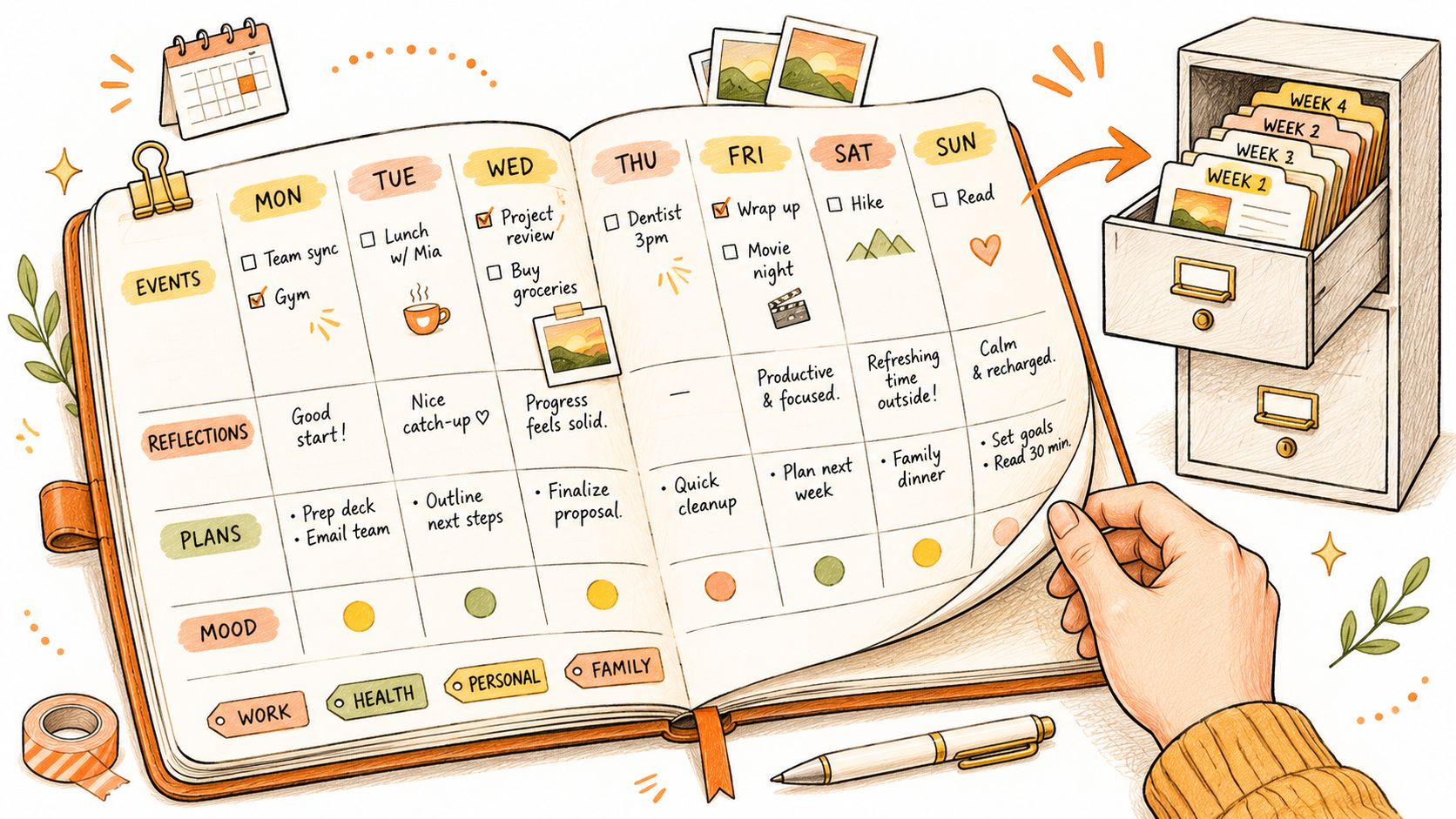
One weekly page holds six kinds of record. Keeping them separate is what makes the page readable later, because a fact you can check stays distinct from a feeling you had about it.
| Record type | What to capture | Example entry | What it reveals |
|---|---|---|---|
| Events | Dated happenings with place and people | Dentist appointment, Tuesday, Leeds | When things happened |
| Reflections | One to three sentences on what mattered | Felt steady after the handover meeting | What the week meant |
| Plans | Open commitments for the coming week | Book flights before Friday | What carries forward |
| Mood | One score on a 1 to 5 scale | 3 | The emotional shape of the week |
| Images | One or two photos tied to a moment | Photo of the harbour walk | What the week looked like |
| Tags | Short labels reused across weeks | travel, illness, deadline | Which weeks share a theme |
Facts, meaning and what carries forward
Events are short factual lines with a day, a place and, where it matters, the people involved. Write "Dentist appointment, Tuesday, Leeds," not "awful morning at the dentist," because the second version buries the checkable part inside an opinion.
Reflections get their own block: one to three sentences on what the week meant. If you want a model for shaping a single entry so the detail survives, our guide to the format of a diary entry walks through the same separation of observation and interpretation.
Plans are the block often skipped, and it's the one that prevents loss. Anything unfinished on Sunday gets written into the coming week rather than left on a page you'll never reopen. A commitment that appears twice, in the week it was made and the week it moved to, is a commitment you can still trace.
The layer that makes weeks searchable
Mood is one score on a fixed scale, nothing more. It gives the week an emotional shape at a glance without turning the page into a diary essay.
Images and tags do the retrieval work. One or two photos tied to a specific moment beat a folder of thirty, and short labels such as travel, illness or deadline only help if you reuse the same words week after week.
A full page rarely needs more than a dozen lines. Leave empty blocks empty; a blank reflections field is honest information about that week, while padding it to look complete invents a record you'll later trust.
Thirty-second test: open a week from three months ago. If you can't say what that week was about in half a minute, the page has too much prose and too few facts.
How to Set Up a Weekly Notes Planner in One Sitting
Set the structure up once, then repeat it. Twenty to thirty minutes of setup saves you from redesigning the page every Sunday.
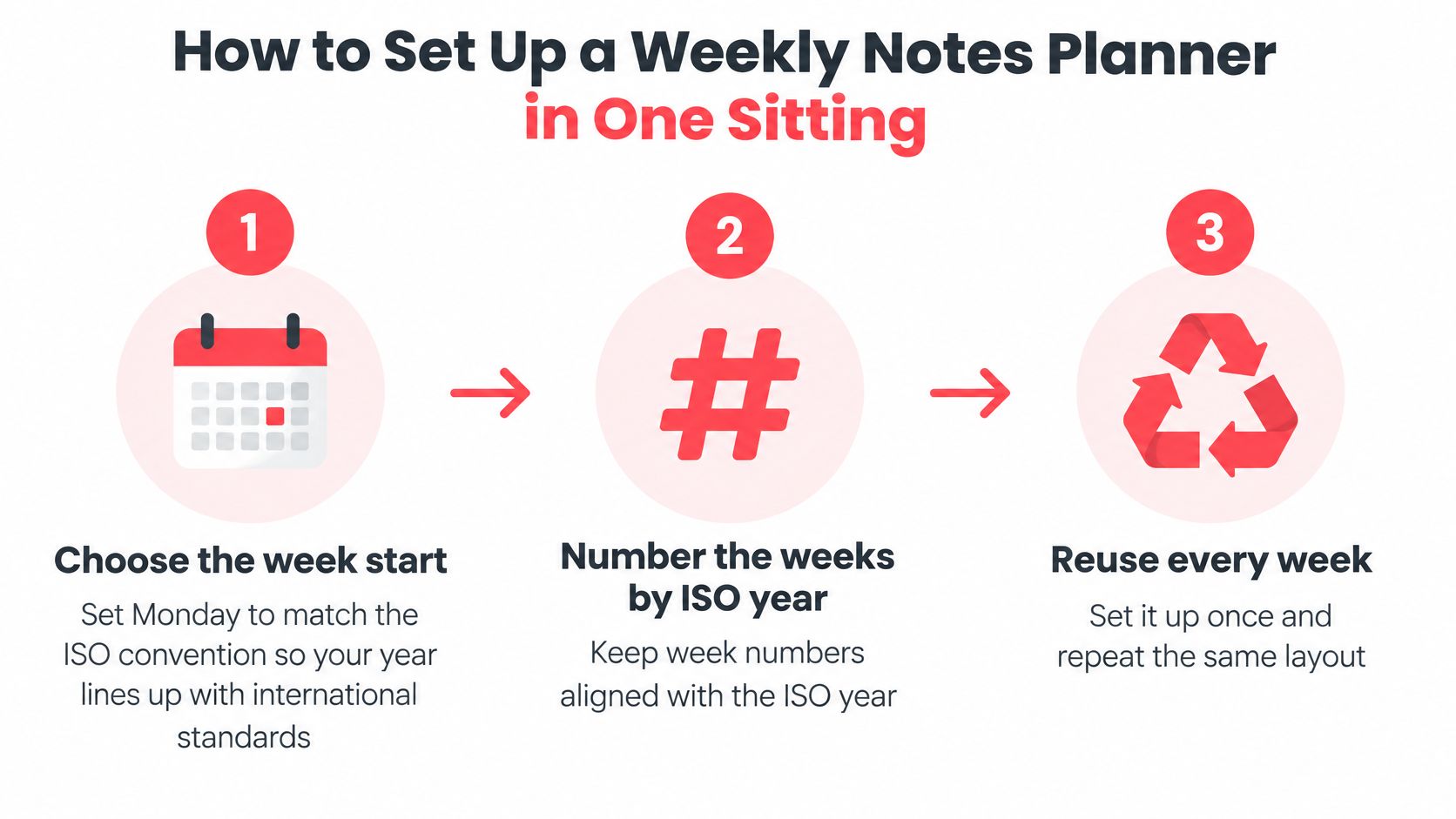
The setup below builds one thing above all: a retrieval key. Every week gets a permanent label and a fixed shape, so a note written in March can be found in November without remembering anything except roughly when it happened. Work through these seven decisions in order.
- Choose the week start and never change it. Pick Monday so your pages line up with the international convention rather than with a habit you might change later. The common slip is switching the start day mid-year, which breaks the sequence and leaves two half-weeks that overlap.
- Number every week by ISO year and week. A permanent label in the format of 2026-W01 means a note can be cited, searched and compared without anyone guessing which month it belonged to. Plain dates alone can't do that across a year boundary, because "the week around New Year" is ambiguous in a way a week number never is.
- Create one page per week with four blocks. Events, reflections, plans, mood. Four is enough to hold a life and few enough that you'll fill them; adding a fifth and sixth block is how templates get abandoned.
- Fix the mood scale at 1 to 5 and define each value in one sentence. Write the definitions on the first page: what a 2 means to you, what a 4 means. Without that anchor, a score written in a hard winter and a score written on holiday aren't comparable, and a mood record you can't compare is decoration rather than data.
- Build a tag list of five to eight labels and freeze it. Write the list on the first page next to the mood definitions. If you add a fresh tag every week, filtering turns into guesswork because deadline, deadlines and work pressure all point at the same thing and match nothing.
- Pre-fill the plans block for the coming week. Put in the commitments you already know about, so the page starts useful rather than blank. A page with something on it gets opened; an empty one gets postponed.
- Book a fixed twenty-minute review on Sunday evening. Read the week, add tags, close or carry forward open plans. A recurring slot in your calendar works better than "when I have time," because the review is the step that turns notes into a record.
Check the year boundary before you number anything
Careful people often get caught by this. The first days of January can belong to the last ISO week of the previous year, and the last days of December can belong to week one of the next. Some ISO years even run to 53 weeks instead of 52, which is exactly the kind of detail you only notice after mislabelling a page.
Before you number a single week, look up the ISO week number for 1 January of the year you're setting up. If that date carries the previous year's number, label those first days accordingly, and the sequence stays unbroken. Think of the ISO calendar as the master key and your feelings about when a year "really" starts as irrelevant; the label serves future searches, not present intuition.
Finally, open one empty week page and confirm all four blocks and the tag list are present. If a block is missing, you'll improvise a layout every week, and improvisation is what makes old notes unfindable.
Finding Past Events by Week Instead of Exact Date
Ask yourself when you last replaced the kitchen tap. You probably can't name the date, but you can place it: late autumn, after the boiler service, before the family visit. That's how memory works, and a planner should be built for it.
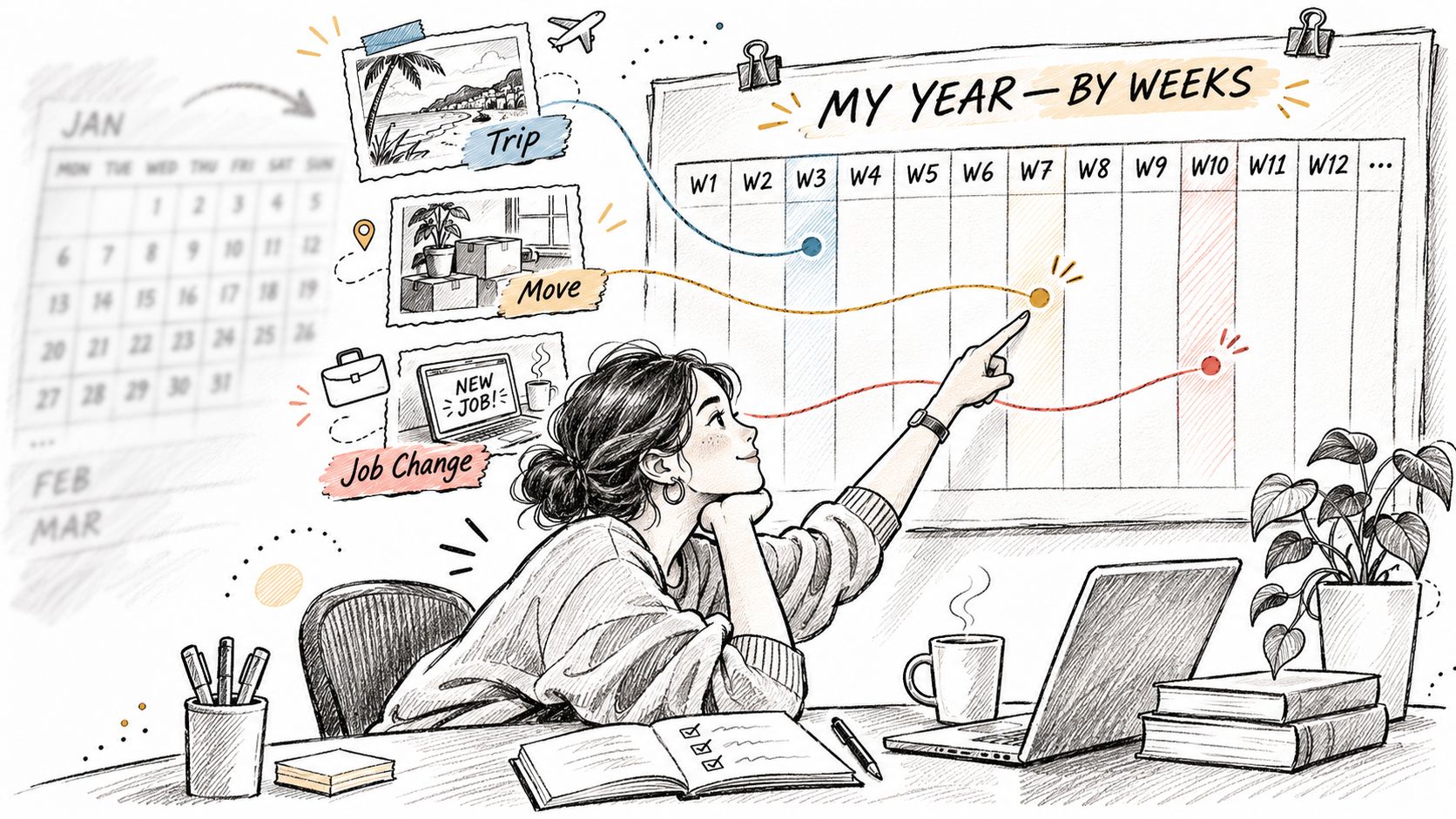
A study hosted by Aarhus University had 45 participants date roughly 42 university events they had written about 3.5 years earlier, thinking aloud as they worked. Period knowledge was the most frequent strategy, followed by temporal schemas and landmark events, with period knowledge and landmarks often used together. People reconstruct dates from surrounding context rather than reading them off an internal calendar.
Give every record two labels
Store the canonical week identifier and the exact timestamp separately. The week ID is what you browse; the timestamp is what you verify. Keeping both means approximate recall and precise chronology coexist instead of competing.
Then attach the cues your memory will reach for:
- Season and month: "first cold week," "the wet February," so a search can start wide and narrow.
- Place and people: the city, the office, who was there, since these are often the strongest hooks.
- Personal milestones: moving, starting a job, a diagnosis, a birth. These become landmarks you can count forward and backward from.
- Reusable tags: the same short labels across years, which is what makes filtering possible at all.
Say you remember a hard conversation happened the month the new job started. Filter weeks tagged work, scan the four or five candidates, and the week surfaces in two taps. Our piece on keeping a calendar and journal together covers how the schedule side supplies those candidate weeks automatically.
Never let a record's week shift silently when your timezone or locale changes. A moved week breaks every cue attached to it, and you won't notice until the search fails.
One habit makes this work: at the moment you record a big event, name two anchors for it. "Week after the move, first week of the new team." Two anchors are enough to find it again from any direction.
Tracking Mood as Patterns Rather Than Single Scores
Two weeks can share the same average and mean completely different things. Week one holds seven moderate days. Week two holds six neutral days and one very low day. The average says they're identical; the second week contained something worth looking at.
Treat mood as a repeated measurement rather than a verdict. A workable design, described in a paper on autobiographical memory and contextual detail, stores an ordinal scale such as 1 to 5 or 1 to 7 alongside a timestamp, an optional short explanation, and a confidence or missingness state. That supports summaries over time without pretending the numbers are clinical measurements.
| Metric | What it shows | When to use it |
|---|---|---|
| Median mood | Typical level for the week, unaffected by one outlier | Comparing weeks with each other |
| Within-week standard deviation | How much the days swing | Spotting volatile weeks |
| Entry count | How many days you recorded | Judging whether a trend is reliable |
| Change from four-week baseline | Shift from your usual level | Spotting a slump or recovery |
| Missing days | Days with no entry, kept as missing | Reading gaps honestly |
Reading the numbers without fooling yourself
The median tells you what a normal day felt like, which is usually the fairer comparison between two weeks. The standard deviation tells you how bumpy the week was, and a high value with a middling median is exactly the pattern the average hides.
Entry count is your reliability check. A week with two entries isn't a data point about your mood, it's a data point about your recording. If your weeks swing hard and fast, Jan Kutschera's writing on mood tracking for ADHD entrepreneurs is a useful companion on charting variability without over-reading single days.
Missing days stay missing. Filling gaps with a neutral score hides the days you skipped, and skipped days are often the hardest ones. For more ways to lay this out, browse our mood tracker ideas and pick one format you'll keep using.
Tags supply the context. If weeks tagged deadline score lower, write down the pattern, not a cause. Something else may have been happening in those same weeks.
Practical rule: judge trends only after four weeks or more, and treat every score as a prompt for a question rather than a diagnosis.
Weekly Capture Versus Daily Journaling
By Sunday, you remember the hospital visit but struggle to recall the corridor's smell or the exact wording of a compliment. A weekly review gives those events a home, but details can fade before you write them down.
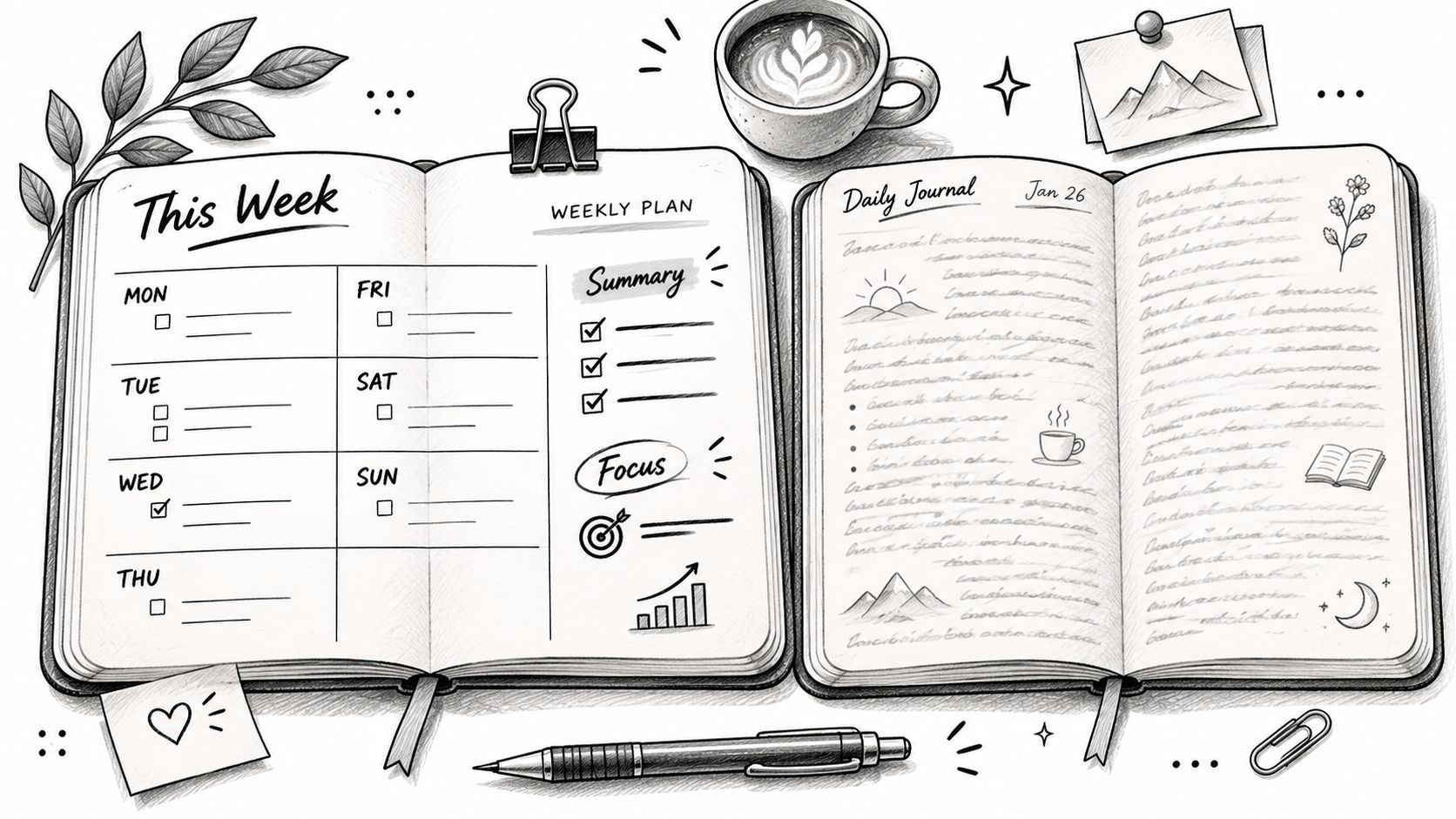
Daily capture and weekly review serve different jobs. Write one or two lines when something stands out, then gather them under the relevant week. The daily lines preserve detail; the week works like a folder label, helping you find the memory later without remembering its exact date.
Keep the original wording when it matters.
Reflection also needs a purpose. A guide to keeping a wellness journal discusses journaling as a way to support well-being. For your own entries, separate what happened from what you think it meant. Repeatedly retelling a difficult event can leave you circling the same feelings; a concrete observation and a possible next action give the review somewhere to go.
Use these prompts while capturing details:
- Sensory anchors: what did you see, hear, smell or eat that you'd otherwise forget?
- Separation: write what happened, what you made of it, and how it felt on separate lines. Don't rewrite an earlier feeling to match Sunday's mood.
- Permission to skip: leave any prompt blank if it brings up a painful event. You don't need to force a complete account.
For a twenty-minute Sunday review, spend fifteen minutes answering: What happened this week? What still needs doing? What do I want to remember in five years? Use the remaining five minutes for tags and carry-forward tasks. Gather the daily details rather than replacing them with a smoother story.
Choose a Planner Whose Records You Control
Pick a planner whose records you can read, move and delete without asking anyone's permission. A weekly grid full of your reflections, photos and mood scores is one of the most sensitive datasets you'll ever assemble, and the format question is secondary to the ownership question.
That concern isn't niche. A 2025 digital journal apps market report citing Consumer Reports found that 86% of U.S. adults would delete or avoid installing apps that collect excessive personal information. Work on AI-assisted journaling raises the same tension: automated prompts and summaries can be convenient, but they reduce trust when you can't opt out or see how your data is used.
Six checks before you commit years of entries
| Check | What to look for | Pass test |
|---|---|---|
| Week-based view | Weekly grid alongside a yearly grid | You can see one week and your whole timeline without switching apps |
| Per-week records | Notes, colors, mood and tags on each week | All six record types fit on one week |
| Working export | Readable file export from Settings | Export one real week and open it without the app |
| Single-week deletion | One week can be removed permanently | Deleted week is absent from the export |
| Access and encryption | Who can read entries; whether images and mood data are encrypted | Written answer from the provider before adding entries |
| Account cancellation | What happens to records after closing the account | Written policy with a window to export first |
Life Calendar is a reasonable app to run these checks on. It shows life as a weekly grid with all weeks in one view, or as a yearly grid that breaks weeks into years, and you can mark each week with colors and add notes, images, mood and tags to it. It's available on the App Store and the Play Store.
One caveat matters more than the feature list: notes export as a text file from Settings > Export Notes, and exported notes cannot be imported back into the app. That makes the export a readable archive, not a migration path. Test it with one real week before you put a decade in.
On the access questions, we can answer directly rather than sending you to a support queue. Life Calendar doesn't sell, trade or transfer personally identifiable information to outside parties unless users are given advance notice, and we don't use cookies for tracking purposes. Ask any other provider for the equivalent in writing, including what happens to your images and mood entries after you close the account, before you add anything you'd hate to lose.
More automation isn't automatically better. A weekly summary you can't turn off, or mood analysis you didn't ask for, trades your autonomy for convenience you may not want. Choose the version where the prompts are optional and the export works.
Then do the smallest possible test. Create one week page this Sunday, fill the four blocks, export it, and open the file outside the app. If you can read your own week without the software that stored it, you've found a planner worth keeping.
Life Calendar gives you a grid of your life in weeks where each week holds your notes, images, mood and tags, so the trip and the job change stay in the order they happened. Set your week start, label the current week, and write your first dozen lines this Sunday, then export them to confirm the record is yours to keep. Visit Life Calendar to see the weekly grid and start your first week page.