Memory Keeping with Notes, Photos, and Weeks
Memory keeping pairs notes, photos, and a weekly timeline so moments stay findable. See what each cue recovers and what not to preserve.
In this article
- Why Dated Records Outlast Loose Memories
- The jobs of a dated record
- Why a week is manageable
- Choosing a Memory-Keeping Approach
- Choose the maintenance you'll actually do
- Combine formats without duplicating the work
- Notes, Photos, and Timelines Compared
- What the kitchen photograph leaves out
- Keep context beside the cue
- Separate recollection from later interpretation
- Why Most Photographs Never Last
- Protect the object and its explanation
- Preserve ordinary life, too
- Choosing What Should Not Survive
- Write a memory-legacy instruction
- Keep access separate from permission
- Record One Week and Keep It
- Make the entry small enough to finish
- Define what finished means
In a 2025 YouGov survey of 2,485 American adults commissioned by Mixbook, 48% reported having more than 1,000 images saved on their smartphones, according to Mixbook's photo-clutter survey. Having that many files doesn't tell you whether you can find the afternoon you want to remember, explain who was there, or recover how it felt. Memory keeping means choosing useful cues, giving them context, and deciding what deserves to remain private or disappear.
Why Dated Records Outlast Loose Memories
In 2025, 74% of U.S. respondents said they look at photos to relive personal memories, according to Fujifilm's Frame of Mind survey, conducted by MarketVision Research among 2,014 people and reported by The Dead Pixels Society. Wanting to revisit a picture, though, isn't the same as knowing where it belongs in your life.
Say you find a photograph of takeaway cartons on a kitchen floor. You recognize the room, but was that moving day, a later decorating weekend, or an evening when the table still hadn't arrived? The picture survives; its place in the story is uncertain.
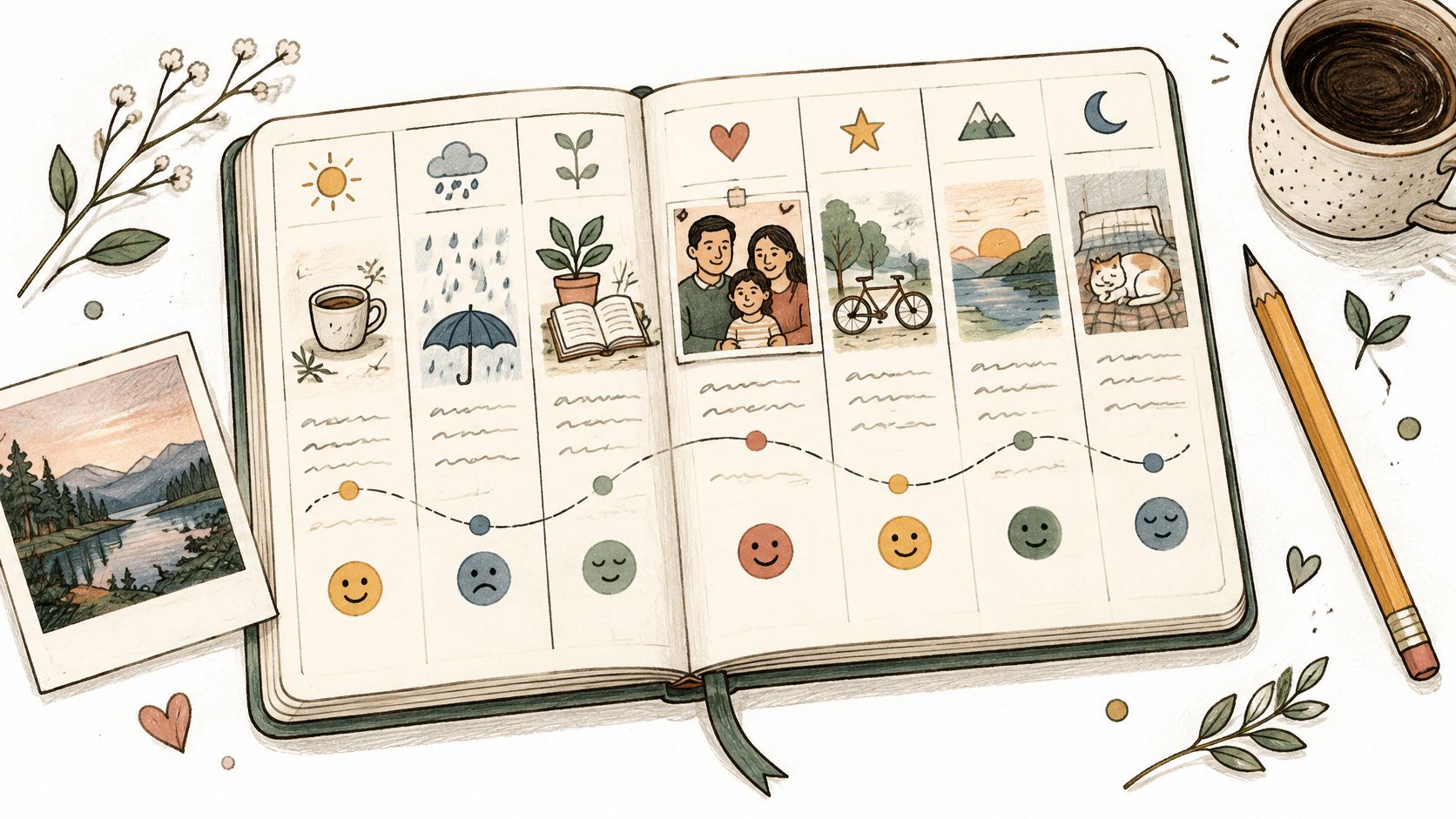
Memory keeping ties an experience to a repeating time unit, usually a day or a week, using a note, photograph, mood, or a combination. An unnamed camera roll holds the image. A dated record gives you a handle for finding and interpreting it.
The jobs of a dated record
- Catch available detail. Record the neighbor's name, the missing kettle, or the reason everyone ate on the floor while you can still supply it.
- Leave a retrieval cue. Preserve something that might restart the scene later, rather than trying to describe every moment.
- Locate the experience. Give that evening a position beside the weeks before and after it, so the move doesn't dissolve into a vague month of unpacking.
Your entry might explain that this was the first supper in the new flat, before the furniture arrived. It doesn't need literary polish to be useful.
An ordinary sentence attached to the right week can be more useful than a beautiful photograph you can't place.
Why a week is manageable
A day can feel too demanding when you're busy. A month can gather unrelated events into an account that's difficult to untangle.
A week offers a practical middle ground: enough room for an interrupted routine, but a clear boundary around it. You can distinguish the week you collected the keys from the week the kitchen finally became usable. What you attach to that boundary determines which parts of the experience you'll be able to revisit.
Choosing a Memory-Keeping Approach
A paper diary, printed photo collection, scrapbook, camera roll, and weekly grid preserve different things. Choose according to what you want to revisit and the work you're willing to repeat, not according to which format looks most impressive.
A handwritten diary may be right for someone who thinks through sentences. Someone who rarely writes may find a photo-led record easier to maintain. Neither approach requires you to document everything.
| Approach | What it preserves well | What you must add or manage | Recurring effort |
|---|---|---|---|
| Dated paper diary | Handwriting, wording, and a clear date slot | Photo references and emotional context | Writing and keeping the notebook accessible |
| Printed album or photo box | Physical images you can browse together | Captions, order, and suitable storage | Selecting, printing, labeling, and storing |
| Scrapbook | Images, captions, tickets, and other objects on a page | Space for later additions | Layout, materials, and assembly |
| Camera roll | Convenient capture and a large image collection | Explanations and deliberate selection | Sorting and captioning |
| Dated weekly grid | A shared place for notes, photos, moods, and tags | Enough detail to make each entry meaningful | A short weekly review |
Choose the maintenance you'll actually do
A paper diary doesn't prevent you from adding mood labels or photographs. You'll need to make room for them, attach prints, or leave clear references to files elsewhere. A reflective journal format can help if you prefer a few repeatable prompts to a blank page.
Printed albums offer a different experience: you can hand them to someone without asking them to open an account. But a box of uncaptioned prints still asks the next person to identify the faces.
Scrapbooks suit memories that include physical objects, such as a moving announcement or a handwritten recipe. Leave expansion space if you expect to add material later. A tightly finished layout can make an ordinary correction unnecessarily awkward.
Combine formats without duplicating the work
You don't have to choose a single permanent home for everything. Keep the handwritten account in a notebook, selected prints in an album, and original images in a backed-up folder.
Use the weekly grid as an index, not another assignment. An entry can identify the notebook page and album location alongside a short summary. That lets you preserve the strengths of each format without copying the entire story into every place.
Notes, Photos, and Timelines Compared
No single cue preserves a whole experience. For a practical starting point, attach a photograph and a short note to the same week, then add an emotional label when it contributes something neither can express.
What each memory cue recovers
| Cue | Best at recovering | Weak at | Keep it with |
|---|---|---|---|
| Photograph | People, objects, and setting | Feelings and why it mattered | Date, place, and a one-line note |
| Written note | Sequence, names, and meaning | Exact visual detail | The same week as the photo |
| Mood marker or doodle | Emotional tone | Who was present and where | A simple label on that week |
| Voice or video | Sound, speech, and your own account | Fast scanning years later | A short clip tied to the week |
| Weekly timeline | When it sits in a longer life | Fine sensory detail | Notes, images, mood, and tags together |
The distinction matters because you can preserve a visible scene without preserving your experience of it. A smiling photograph doesn't establish that the whole week felt happy. Likewise, a difficult diary entry doesn't mean there were no pleasant moments.
In a diary study of actively constructed cues for episodic recall, photos and recordings of surroundings better supported recall of people, objects, and setting, while feelings were better recalled through doodles, emoticons, diary text, or the person's own voice. The practical lesson is to preserve complementary cues rather than asking a photograph to explain everything.
What the kitchen photograph leaves out
Consider the kitchen after a house move. The photograph shows boxes stacked beside the doorway, a saucepan on the floor, and a broken lamp leaning against the wall.
A note explains that you'd just discovered the lamp was damaged in transit. You argued about whether to repair it, then made dinner before finishing the unpacking. The mood label, unsettled, adds something that neither the boxes nor the account of dinner quite conveys.
Later, the photograph might bring back the doorway and the cramped space. The note supplies the disagreement's subject. The mood label preserves how you understood that period when you recorded it.
A review of wearable-camera research found that rehearsing SenseCam images improved recall of recorded real-world events, with benefits still observable after approximately three months, even without image review between memory tests. That supports treating images as retrieval prompts, not merely files to accumulate. It doesn't promise that every casual photograph will produce the same result.
Keep context beside the cue
For an image you decide to retain, record these fields in order:
- Who is in the frame. Use names rather than assuming everyone will recognize the faces.
- Where it was. Identify the place at a useful level of detail.
- What was happening that week. Explain the surrounding event, not just the visible objects.
- Whether the file is original or edited. Distinguish the source image from later versions.
- How sure you are. Mark uncertain identifications or dates rather than filling gaps confidently.
You can build this into a diary with photos without writing a separate essay for each image. A compact caption and a shared weekly note are often enough.
For a physical companion, resources such as keepsake albums from Moments in Bloom provide an album option to consider. Carry the same week label and explanatory caption onto the page so the print remains connected to its account.
Separate recollection from later interpretation
Remembering isn't the same as replaying an untouched recording. When you revisit an event, you may reconstruct details or update your interpretation.
That makes later additions worth labeling. If you add a caption long afterward, identify it as a later recollection rather than letting it appear contemporaneous. You can preserve both what you wrote during the move and what you think about it now.
The discussion of personal digital heritage in Archival Science raises concerns about authenticity and the ways AI-generated material may alter family memories. An AI-written caption can sound certain while adding something you never recorded. Keep originals separate from edits, label assisted changes, and remove invented details rather than allowing fluent wording to stand in for evidence.
Why Most Photographs Never Last
The gap is between intention and action: 85% said it mattered that their great-grandchildren see their photographs, but only 55.4% had tried to preserve at least some, according to a nationally representative U.S. telephone survey reported by Photography Blog. The survey covered 1,004 adults, was conducted October 10–12, 2008, and had a stated full-sample margin of error of plus or minus 3 percentage points.
These are historical findings about non-digital photographs, not a measurement of today's smartphone libraries. They nevertheless expose a practical problem: valuing an image doesn't protect it.
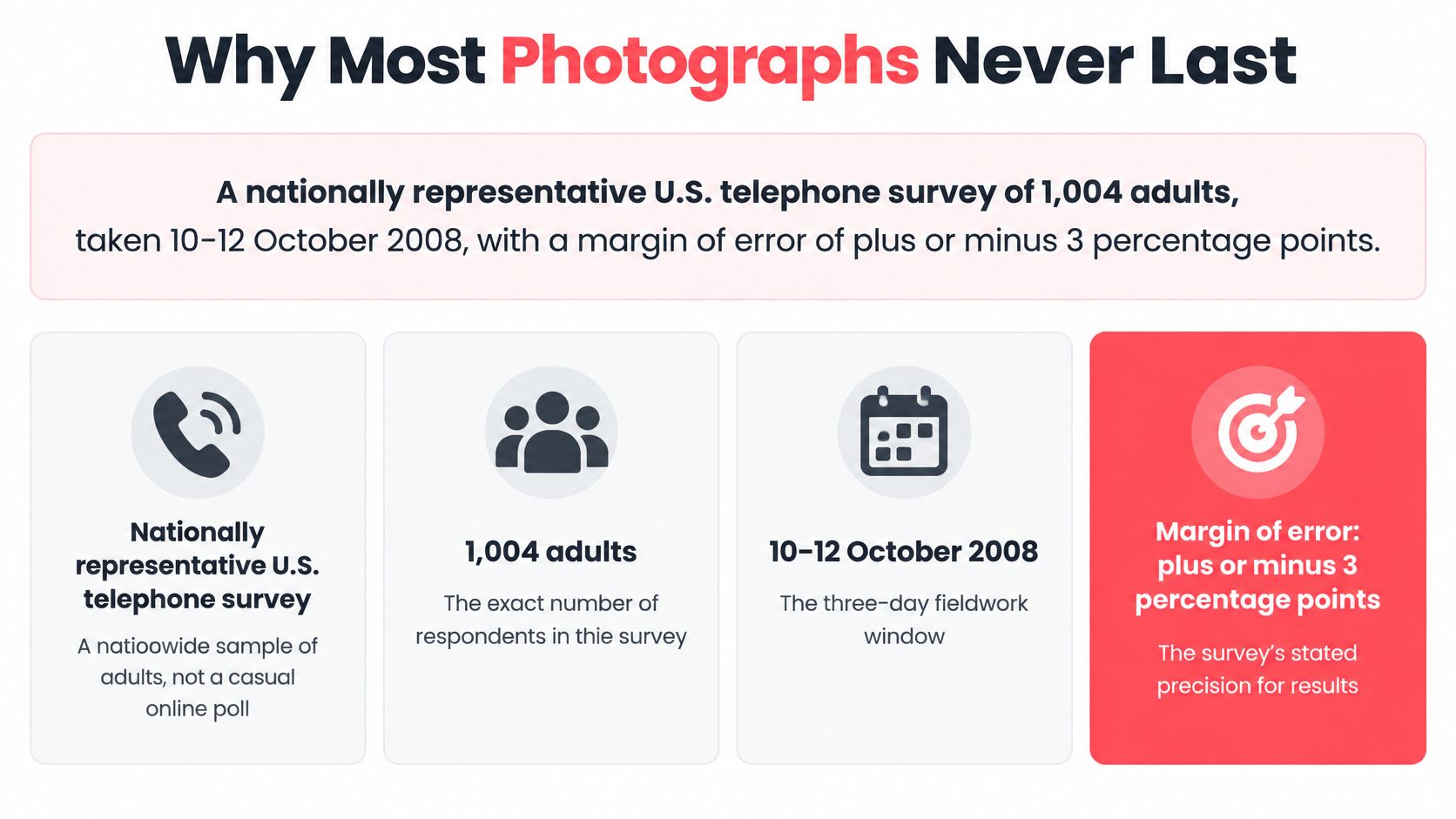
Photo preservation survey figures
The same survey reported the following results:
| Measure | Result |
|---|---|
| Adults surveyed | 1,004 |
| Non-digital photographs Americans had taken over their lifetimes | Nearly 550 billion |
| Said it matters that great-grandchildren see their photographs | 85% |
| Had tried to preserve at least some photographs | 55.4% |
| Kept photographs in closets | 40% |
| Kept photographs in basements or attics | 16% |
| Recognized photographs will not last forever | 75% |
| Margin of error for the full sample | Plus or minus 3 percentage points |
Protect the object and its explanation
Start with the photographs you'd be most upset to lose, rather than attempting to reorganize every box at once.
- Move vulnerable prints. Take photographs and negatives out of attics and basements. Choose a stable, dry room away from leaks and direct heat, and use photo-safe sleeves or boxes.
- Separate digital copies. Keep a second copy somewhere other than the phone or computer holding the working collection. Open sample files from that copy to check that they're readable.
- Attach an explanation. Assign the image to its week, identify the people, and add the reason it matters. If the date is uncertain, record that uncertainty.
If photographs are already trapped on failed hardware, myhalo's guide to recovering files from a dead laptop is a relevant starting point. Recovery is a response to failure, not a substitute for a separate copy.
Preserve ordinary life, too
Dated recording isn't reserved for remarkable experiences. Gresham College's history of the private diary documents more than 500 years of diary keeping in the English-speaking world, with uses spanning appointments, emotions, memories, and everyday events.
That tradition offers a useful model: give ordinary life a place before deciding whether it seems important. The kitchen floor may eventually explain more about a move than a carefully posed photograph outside the front door.
A saved file with no week, no identified people, and no explanatory note is still half lost.
Choosing What Should Not Survive
Permanent storage isn't always the respectful default. A private record may help you understand a difficult period without being something your relatives should inherit.
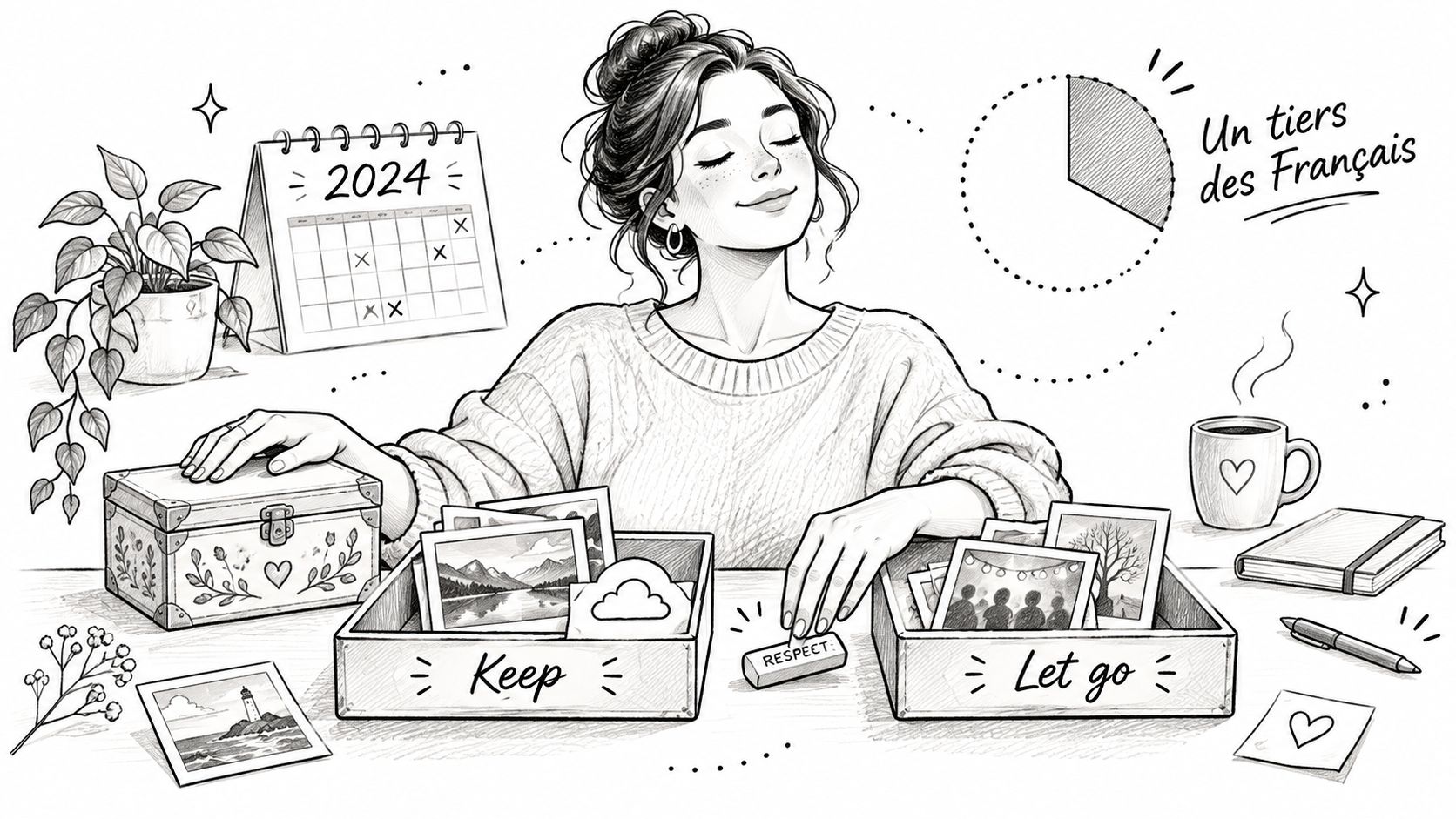
A 2024 Harris Interactive/CNIL survey in France found that nearly one-third of people had encountered content from deceased people's social-media accounts, while half preferred their own social-media content to be deleted after death, according to CNIL's report on data after death. A writer's privacy, a relative's wish to remember, and a platform's access rules can point in different directions.
What to pass on and what to limit
These are suggested personal defaults, not legal rules.
| Record | Default later | Change it when | Do not do |
|---|---|---|---|
| Private notes | Keep locked or delete | You wrote an explicit wish to share | Leave them in an unlocked shared album |
| Mood logs | Treat as private | A clinician or partner was meant to see them | Auto-publish them with photos |
| Family photographs | Export to one trusted contact | Someone pictured did not consent | Assume every relative wants every frame |
| Edited or AI-assisted images | Keep the original apart and label the edit | The edit replaces the real scene | Present the edit as the untouched memory |
Write a memory-legacy instruction
Name a trusted contact and explain what that person may receive. Describe where the chosen records are stored and write down the steps needed to export or retrieve them. Don't assume that naming someone automatically grants access under an app's rules.
Give notes and photographs separate instructions. You might want family images shared while asking that private reflections remain locked or be deleted. Include an expiration or deletion preference where that fits your wishes, and revisit the instruction when relationships or circumstances change.
Selective forgetting doesn't require pretending an experience never happened. It can mean removing a duplicate, withdrawing an intimate account, or deciding that another person's vulnerable moment isn't yours to preserve indefinitely.
Keep access separate from permission
For any app, consider who can access personal information and what confidentiality obligations apply. At Life Calendar, we keep personal information behind secured networks, accessible only to a limited number of people with special access rights who must keep it confidential. Privacy questions can be sent to support@lifecal.me.
Those safeguards don't decide what your family should eventually see. That remains a choice to record explicitly.
Write down a concrete decision today: a class of records you want kept for family and a class you want deleted. You can revise it later, but an understandable instruction is better than leaving someone else to guess.
Record One Week and Keep It
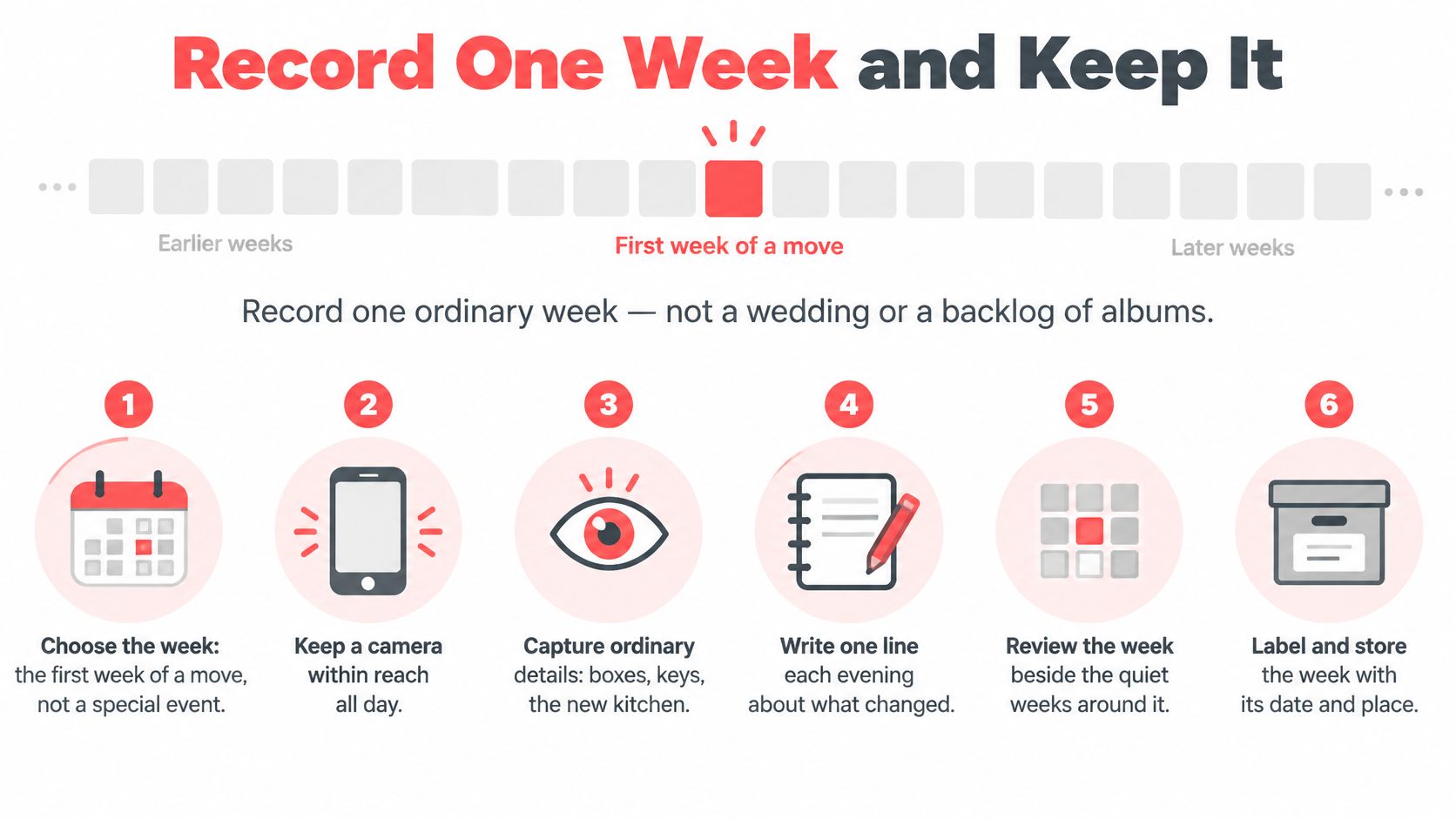
Choose an ordinary week, not a wedding or a backlog of albums. For this example, use the first week of a move: keys collected, boxes everywhere, routines interrupted, and no clear place for the cutlery.
On a longer life grid, that week sits beside quieter periods. You don't need to make every neighboring square equally detailed. The contrast helps you see the move as part of a life rather than an isolated collection of photographs.
Make the entry small enough to finish
- Choose the current week. Label the period before you begin collecting material. Don't interrupt the entry to sort old holidays.
- Write a short account. In this moving-week example, aim for five to eight lines about collecting keys, missing deliveries, meals, and what became usable first. A weekly notes template can provide a repeatable starting point.
- Select a few photographs. For this example, one to three images might include the doorway, the kitchen, and the first meal. Identify the people and place, and state whether each file is an original.
- Choose an honest mood. Use a label such as unsettled rather than choosing happy because the move was supposed to be exciting.
- Add a useful tag. Moving is enough to make the entry findable alongside another relocation. Avoid inventing a complicated filing system.
- Return later. Set yourself a review for a month afterward. Open only that week and notice what the photograph brings back, what the writing supplies, and whether the mood still makes sense.
Your note could explain that dinner happened on the floor because the table hadn't arrived, and that finding the kettle made the flat feel more livable. That's specific without becoming a polished essay.
Leave out the private argument another person wouldn't want stored. You can record your own unsettled feeling without preserving their words or assigning blame.
Define what finished means
For this first entry, finished means a note, an explained photograph, a mood, a tag, and a written sharing choice. It doesn't mean every box, meal, or conversation has been documented.
A notebook, phone, or dated weekly grid can hold this pattern. Life Calendar is an option that lets you color a week and add notes, images, mood, and tags; some people use it as a personal diary, while others use it to keep past and future in perspective. In our app, reminders are available under Settings > Reminders, including multiple reminders for different days and times.
A different week may need a gentler approach. If you're remembering a pet, Heartstrings Pet Hospice & In-Home Euthanasia's guide to memorial keepsakes after pet cremation offers ideas for a physical remembrance. Record only what feels appropriate, and let the keepsake have a simple reference in the weekly entry.
Set a reminder for the same weekday next week. Repeat the small set of actions rather than designing a new method, and stop when the record is understandable.
Life Calendar brings notes, images, moods, tags, and week colors together in a visual timeline. Visit Life Calendar to record your current week, add an explained photograph, and decide what you want that record to preserve.