Mood Tracking App Guide: What to Log and Why
A mood tracking app records how you feel. Learn which features matter, how to log moods consistently, and how to link them to your weeks.
In this article
- What a Mood Tracking App Records and Why It Matters
- Mood Tracking Features Compared Side by Side
- Privacy and export, the two rows people skip
- How Many Mood Entries Make a Trend Reliable
- What each entry pattern can tell you
- How to Build a Logging Routine That Lasts
- Six steps that survive a busy week
- When Mood Tracking Starts to Feel Heavy
- Signs the habit has turned against you
- Four ways to lower the pressure
- Linking Moods to Your Weeks and Experiences
- Why context changes the reading
- Choose the Mood Tracker That Fits Your Week
- Seven questions to ask before you install
- A short decision rule
Does logging how you feel tell you anything about your life, or does it just produce a tidy chart that changes nothing?
That question rarely gets asked. App roundups compare scales and streaks, then hand you a download link. But a number entered on a Tuesday evening is close to meaningless on its own. Set the same number beside a note about a deadline, a photo of a messy kitchen and a tag for poor sleep, and it starts to explain a week.
This guide takes the patient route. It covers what a mood tracking app records, how many entries you need before a pattern is real, how to build a routine you'll keep, and when to stop. The thread running through all of it is simple. A mood entry is a memory aid and a pattern prompt, not a measurement of your mental health.
What a Mood Tracking App Records and Why It Matters
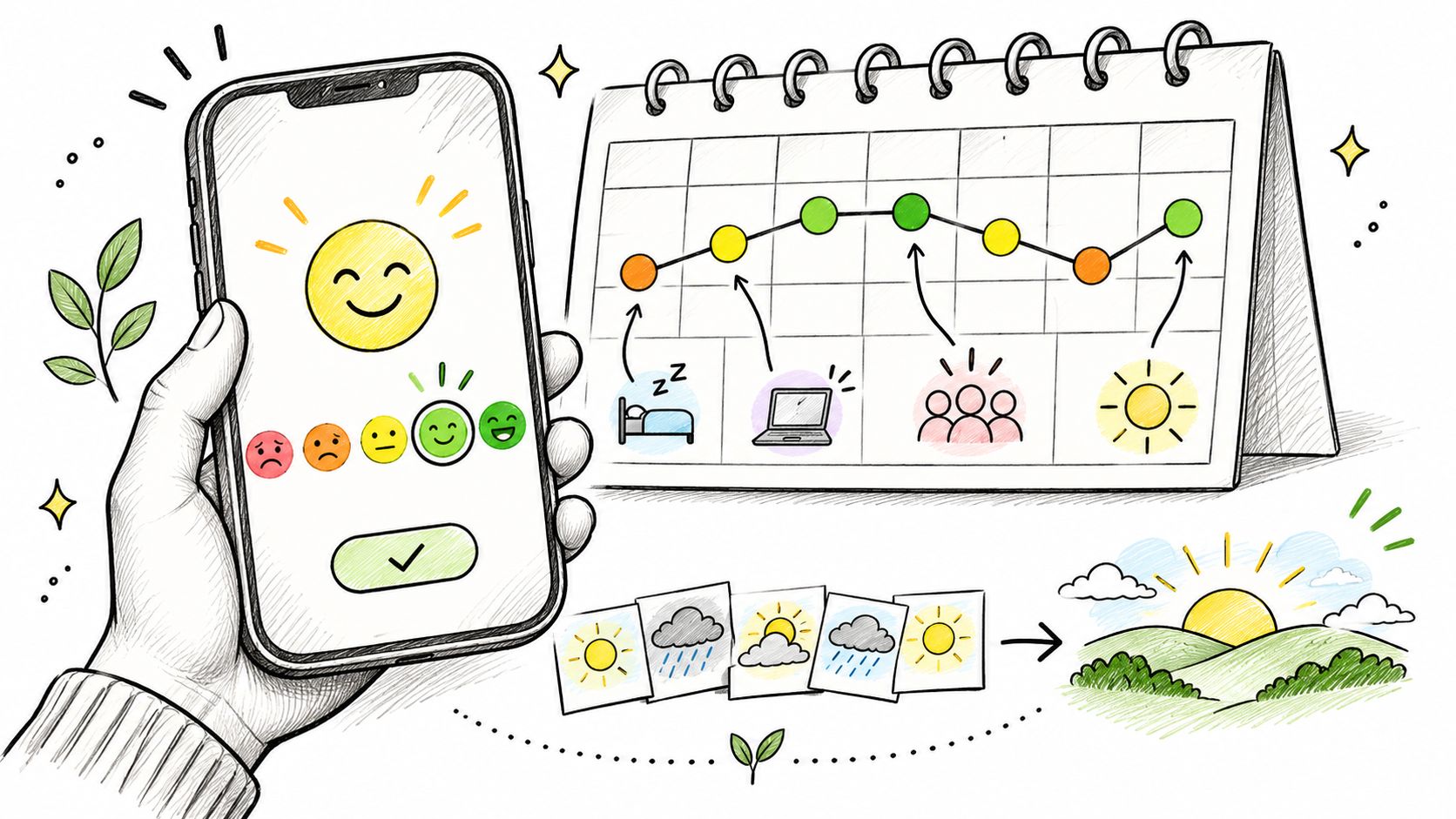
A mood tracking app is a phone tool where you record how you feel at moments you choose, usually with a simple rating, then look back at the entries over days or weeks. Most also let you add tags, such as sleep, work or exercise, along with a short note.
One entry is today's weather. Thirty entries are the climate you live in. Neither is a forecast, and neither is a diagnosis.
The loop has three steps, and each asks something different of you:
- Log takes seconds. A rating on its own is enough on a busy day.
- Review takes a few minutes a week. Look for one pattern rather than five.
- Notice is where the value appears. You catch that Sundays are consistently lower, or that weeks with a walk outside read differently.
Context matters because the category is crowded but uneven. In a 2019 review of behavioral-health apps, researchers counted more than 10,000 behavioral-health applications across Apple's App Store and Google Play, yet among the 25 most popular, only four (16%) offered mood or anxiety self-monitoring. The same review noted that most had received limited evaluation and regulation, which is a polite way of saying popularity confirms very little.
So decide what you want before you install anything. A rating-only log, a diary-style record, or a weekly overview that places mood inside your life. The choice shapes everything after it.
Mood Tracking Features Compared Side by Side
Eight features cover most of what these tools do, and the trade-offs matter more than the feature count.
| Feature | What It Records | Best For | Watch For |
|---|---|---|---|
| Mood scale | Rating on a 1-5 or 0-10 scale | Quick daily check-ins | One rating is a snapshot, not a verdict |
| Tags | Labels such as sleep, work or exercise | Spotting patterns across weeks | Long tag lists become a chore |
| Notes | Written context for a day or week | Explaining why a mood changed | Long entries raise the cost of logging |
| Photos or media | Images attached to a record | Recalling an experience visually | Storage and privacy need attention |
| Reminders | Scheduled prompts at chosen times | Building a routine | Frequent prompts can feel pressuring |
| Weekly or monthly reports | Summaries of entries over time | Seeing broad trends | Averages hide missing days |
| PIN or biometric lock | Restricts access to entries | Private reflection | A lock does not replace backups |
| Export | Copies entries as files | Keeping records elsewhere | Exports may not import back into the app |
The mood scale is the row people over-read. A rating takes two seconds, which is exactly why it survives a busy week. It also flattens a complicated day into a digit, so treat the number as a pointer to a memory rather than a score to improve.
Tags do the pattern work, if the list stays short. Five to ten labels you use will tell you more than forty you keep meaning to sort out. Sleep, work, exercise, time with friends and a single catch-all tag cover most of what people want to see. Notes carry the why: a rating says the week was low, a note says the boiler broke on Monday and a friend visited on Thursday.
Privacy and export, the two rows people skip
Your emotional record is sensitive. Life Calendar lets Premium users lock the app with a 4-digit PIN or with Touch ID where it's available on iOS, and that's worth turning on if anyone else handles your phone. A lock stops a glance. It doesn't replace a backup.
Export is the other half. Notes can be sent out as a text file from Settings > Export Notes, and exported notes can't be imported back into the app. Treat an export as a record to keep, not a backup to restore.
If you also use tracking to manage focus and follow-through rather than mood alone, this set of executive function app recommendations from Nick Donahue LICSW covers the tooling that supports consistency. And if you'd rather see how a journal-style app handles the same trade-offs, this comparison of the best journal app for Android walks through the alternatives.
Three features would change a week for many users: speed, a reminder time you control, and somewhere to put a sentence of context.
How Many Mood Entries Make a Trend Reliable
A low rating on a Tuesday tells you very little. Moods move during a day, so a single entry is one frame from a long film. The question is how many frames you need before a pattern is worth trusting.
A smartphone ecological momentary assessment study of 171 young adults put numbers on this. Participants rated five mood dimensions (cheerful, frustrated, relaxed, sad, and worried) on a 0-10 scale four times a day for two weeks. Ratings were highly stable between people, with reliability of at least 0.98, but only moderately consistent within one person, at 0.64 or above.
In plain terms, your own mood is the noisier signal. Repeated entries are what separate a real shift from measurement noise.
Two broad components, positive and negative affect, explained 75.8% of the variance. Just as important, 23.3% of responses were missing, which means any honest summary has to show the gaps rather than paper over them.
What each entry pattern can tell you
| Entry Pattern | Data Gained | Burden Level | Best Use |
|---|---|---|---|
| One entry a week | Coarse weekly mood summary | Low | Long-term life overview |
| One to two entries a day | Daily mood shape with some gaps | Moderate | A focused period of a few weeks |
| Three to four entries a day | Variation within the day and clearer trends | High | Short, motivated stretches only |
| Two to twelve prompts a day | Dense detail with many missing gaps | Very high | Research protocols rather than everyday use |
The density in that last row comes from research practice rather than daily life. A systematic review of 53 smartphone-based well-being studies found study durations averaging 12.8 days, with most lasting seven, and assessment frequencies ranging from two to twelve prompts per day. That's a protocol. Nobody keeps it up for a year.
Set a floor before you read anything into an average. Two or three entries in a week is a sketch. One entry is a memory.
When a weekly average does appear, read it as a question to explore rather than a conclusion. The number is a prompt to look at the notes beside it.
How to Build a Logging Routine That Lasts
The feature list matters far less than whether you open the app next Tuesday. Installs are easy. Returns are the hard part.
A 2019 systematic study of 93 publicly available mental-health apps, with a median of 100,000 installs, found a median daily open rate of 4.0% across the group. Tracking apps did better at 6.3%, which still leaves roughly 94% of installed users not opening a tracker on a given day. Peer-support apps reached 17.0%; breathing-exercise apps sat at 1.6%. Opening the app turns out to be a separate skill from installing it, and the routine has to be designed on purpose.
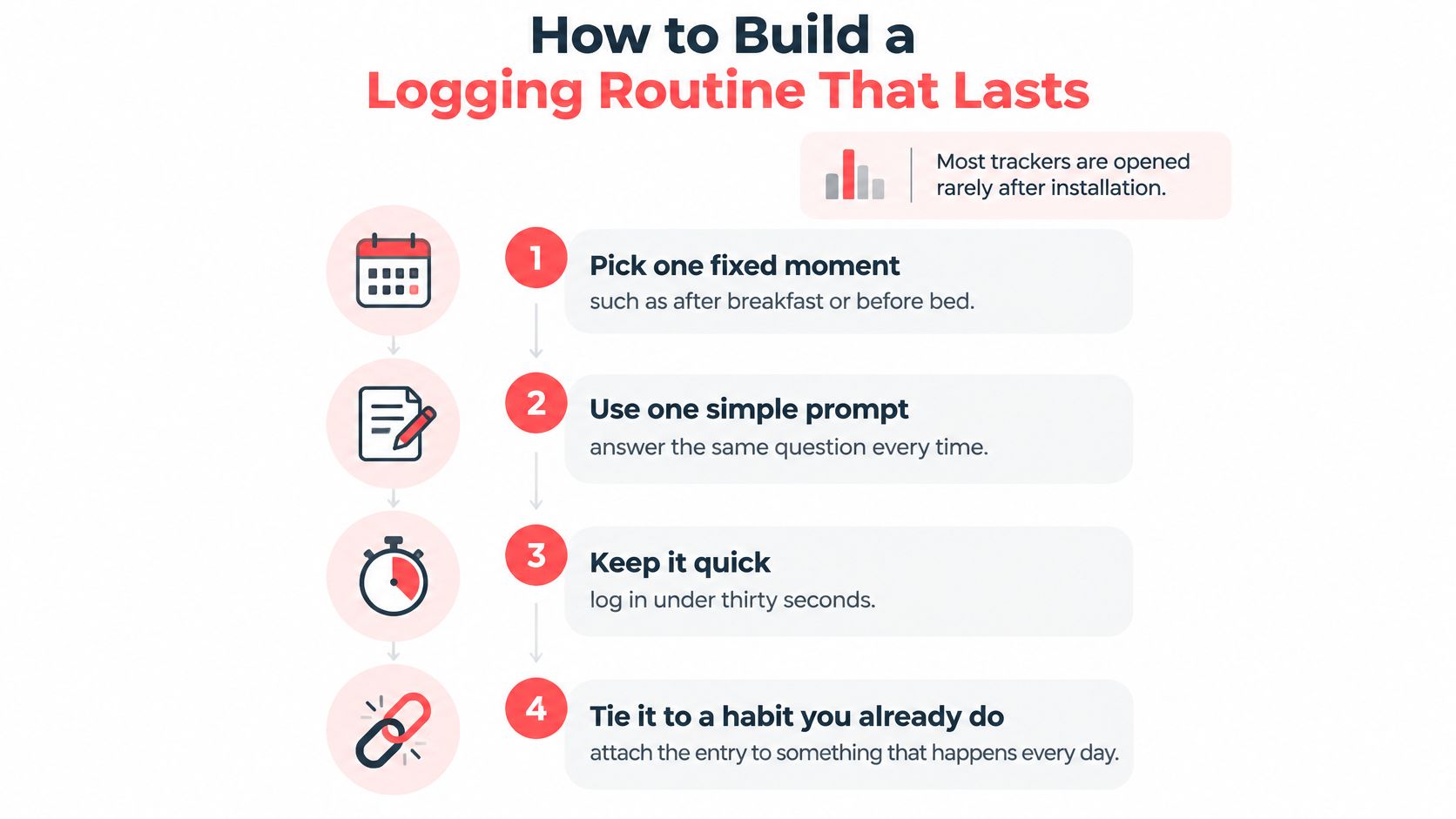
A routine works like a standing appointment: same time, same place, no decision required. The workflow below is built on that principle: one fixed moment, one small entry, one weekly look.
Six steps that survive a busy week
- Pick one fixed moment rather than a random one. After dinner or before bed beats "whenever I remember", because the cue does the remembering for you.
- Log a rating and one tag in under thirty seconds. Add a note only when something happened. Speed keeps the habit alive in the weeks you're tired.
- Set a single reminder at that moment. Reminders in Life Calendar sit under Settings > Reminders, and you can set several for different days and times, but one is enough to start. Several daily prompts are easy to ignore, so a single well-placed nudge does the job.
- Name a reason for the entry. "I want to see whether weekends drain me" gives the log a job, and a log with a job outlives a log kept out of duty.
- Review once a week, not every day. Five minutes with a week of entries shows a shape that no single glance can.
- Skip without guilt and resume at the next fixed moment. A missed day is a gap in the record. Missing two in a row is a signal to change the cue, not to quit.
Two weeks in, a routine that works looks unremarkable. You have a dozen or so entries, a few with notes, and one pattern you noticed by accident: the weeks you tagged poor sleep are the same weeks you rated low. That's the whole output, and it's enough to act on.
Notice what this routine is not. It is a memory aid tied to real days, logged with low pressure, rather than a clinical measurement or a demand for constant emotional monitoring. A quick entry that exists most days beats a thorough protocol nobody keeps up.
If the habit itself is the sticking point, you can browse habit-building app picks for more on cues, streaks and how to recover after a break. For the writing side, this guide to how to keep a journal you'll return to covers what to put in a note and what to leave out.
When Mood Tracking Starts to Feel Heavy
There's a version of this habit that turns into a second job, and it's worth knowing the signs before you meet them.
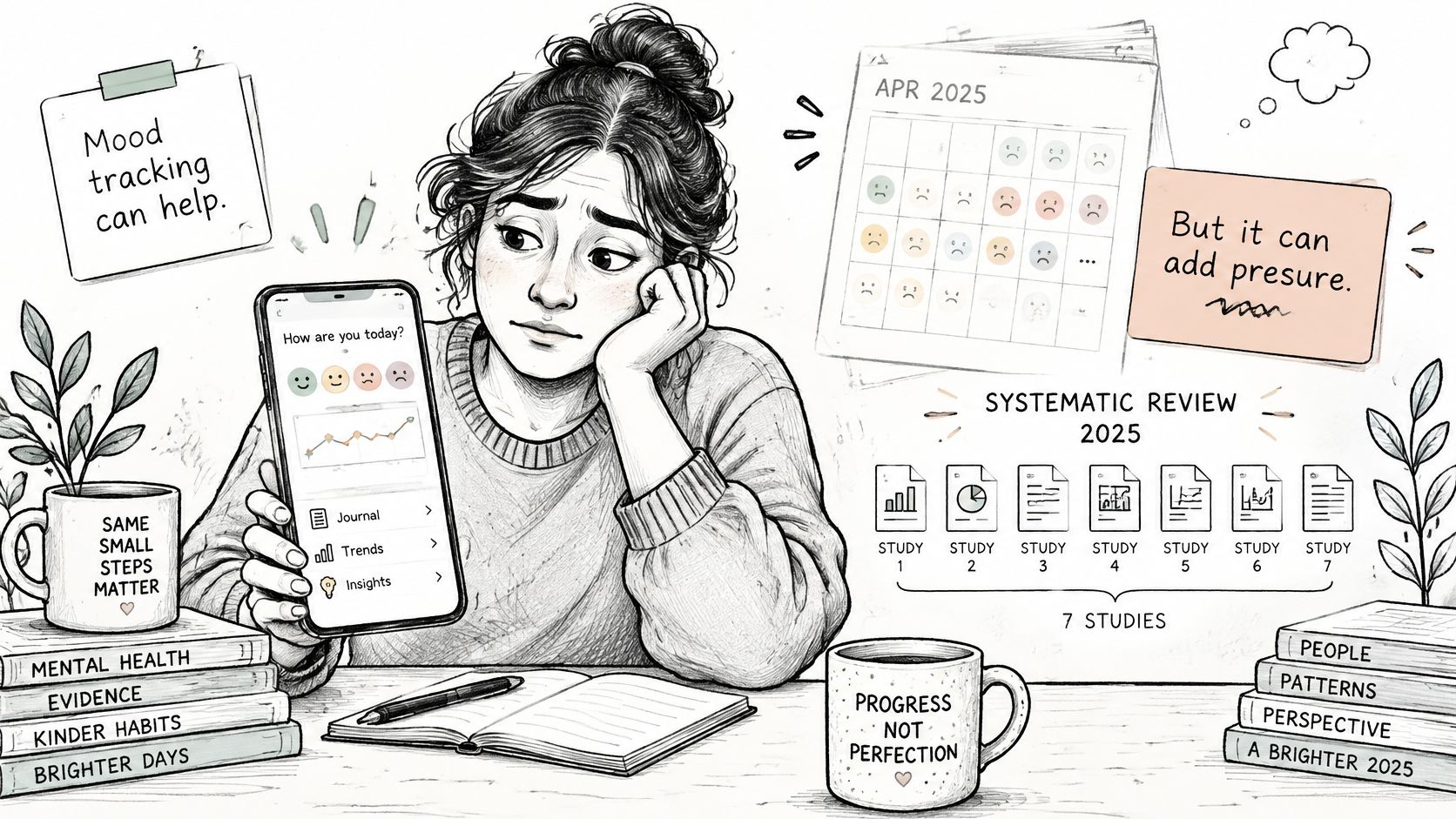
The evidence here is less comfortable than feature lists suggest. A 2025 systematic review of qualitative studies found that participants in seven studies reported mood monitoring worsened their mood or anxiety, and users also questioned whether their monitoring was accurate or useful. The same review points to a focus-group study in which active monitoring became emotionally burdensome, particularly when people felt pressure to record consistently or kept confronting negative feelings.
None of that means tracking is bad. It means the pressure around the record is the part you have to manage.
Signs the habit has turned against you
- The entry feels like a chore. You're logging to keep a streak alive, not to remember anything.
- You skip after bad days. The record fills with good weeks and the pattern you see becomes fiction.
- You open the app for reassurance. Checking a chart to feel better rarely delivers.
- A missed day produces guilt. That's outside pressure you've imported, not reflection.
Four ways to lower the pressure
- Move from daily prompts to a weekly reflection. Same record, far less watching.
- Pause during a hard stretch. Tell a trusted person or a professional what's happening. A gap in a grid harms nothing.
- Read each entry as a memory aid and pattern prompt. A rating isn't a test result, and no app can tell you what your mood means.
- Delete the reminder that creates guilt. Set one you won't resent, or none for a while.
A mood entry is a memory aid. Treating it as a medical measurement is where tracking starts to hurt.
One thing belongs here plainly. Persistent low mood, or any thoughts of self-harm, calls for a professional or a local crisis line rather than an app. Tracking can sit alongside that help. It can't stand in for it.
Linking Moods to Your Weeks and Experiences
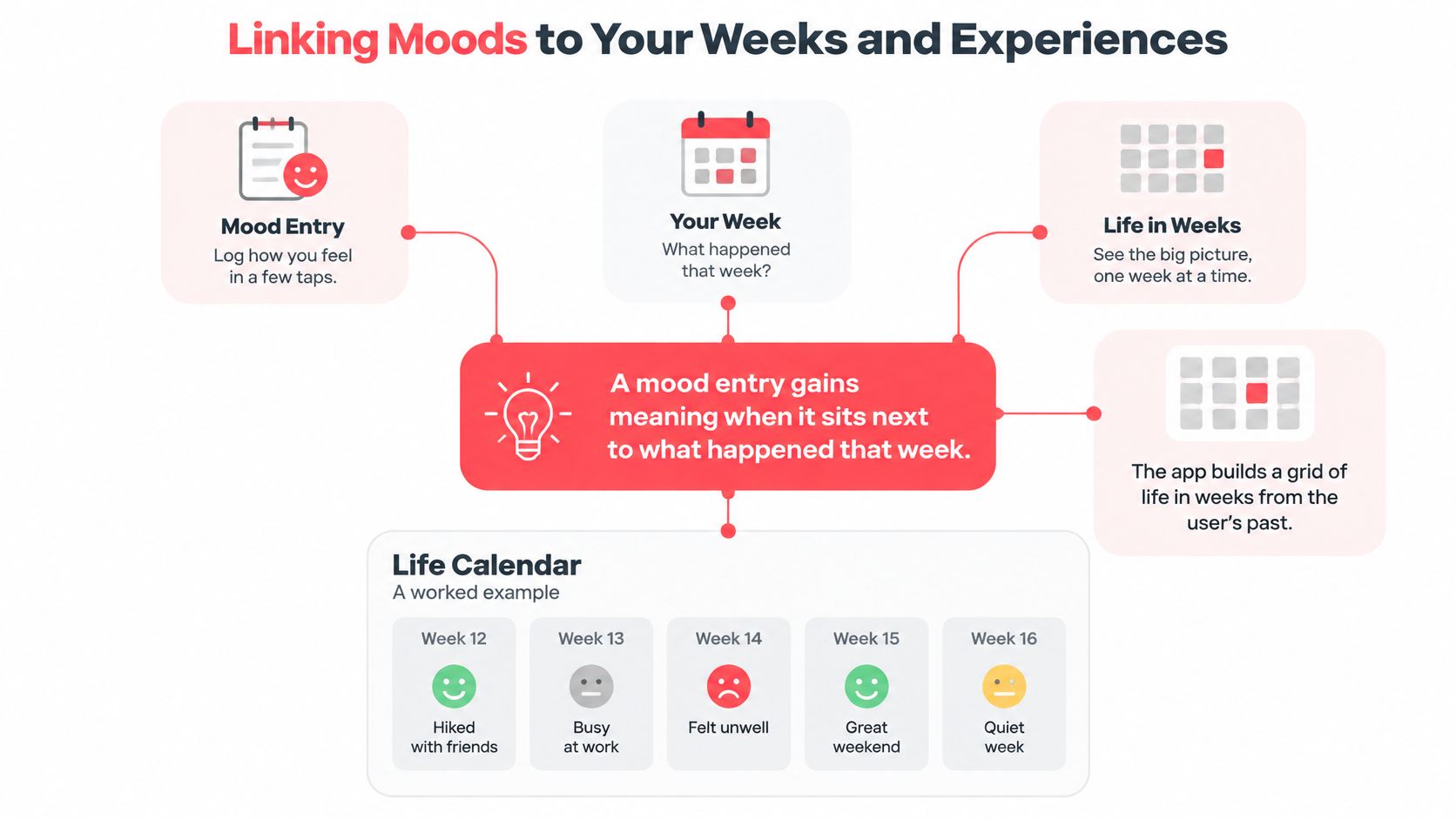
A rating on its own floats free. Attach it to a week and it starts to belong to something.
Life Calendar is a useful case because it ties mood to a fixed unit of time. The app uses your birthday to generate a grid of your life in weeks, with each week shown as a box, and you can mark each week with colours and add notes, images, mood and tags to it. A pointer on the grid marks where you are now, so the record stays anchored to the present rather than to an abstract timeline.
Why context changes the reading
Say a week is rated low. On its own, that's a data point that invites worry. Add a tag for a deadline, a note about a broken boiler and a photo from a friend's visit, and the same rating becomes a story with a beginning and an end. You can see the week was hard and that something good happened inside it.
Colour tags do quiet work here. Under Settings > Tags you assign meanings to colours, and each colour's tag appears at the end of every week that uses it. Six months later, scanning for the colour you reserve for travel or illness shows you a shape you couldn't have described from memory.
A low week with a note attached reads as a story. The same week with nothing attached reads as a fact with no explanation.
Mood and weather share more than a metaphor, as this piece on why grey days feel heavier explores. The same logic applies to your record. A rating never arrives alone, even when the app shows it that way.
The grid itself can be read two ways: a weekly view that shows all your weeks in one grid, or a yearly view that breaks those weeks into years. The weekly view suits a season of life. The yearly view suits a look back across a decade. Both keep the month you're in connected to everything before it.
If you're unsure what to write beside a rating, a weekly notes template gives you a structure you can fill in about five minutes.
Read several weeks together rather than reacting to one. The pattern lives in the sequence, and a sequence is what a life grid is built to show.
Choose the Mood Tracker That Fits Your Week
Choosing gets easier once you know what you want the record to do. Seven questions cut through most of the marketing.
Seven questions to ask before you install
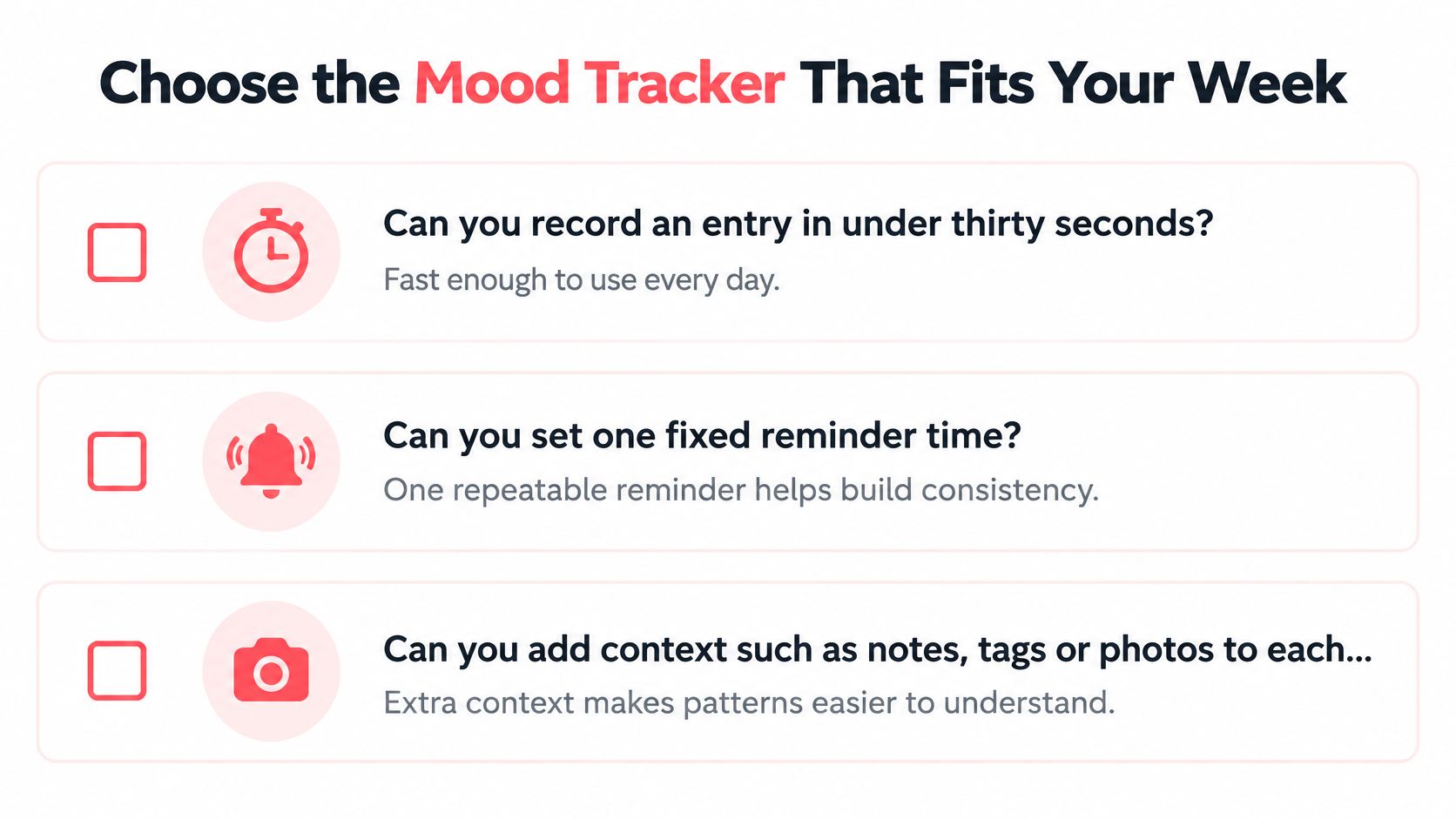
- Can you record an entry in under thirty seconds? If it takes a minute, you'll do it on calm days only, and those are the least informative ones.
- Can you set one fixed reminder time? A single prompt you can move is worth more than five you'll mute.
- Can you add context such as notes, tags or photos? Photos and short notes are what make an entry worth returning to eight months later.
- Does the app show missing data and avoid over-reading one rating? A summary that averages three entries into a week looks confident and isn't.
- Can you export your records in a usable form? Plain text is readable, and it's rarely re-importable.
- Is there a PIN or biometric lock? If you'd wince at someone scrolling your entries, this isn't a nice-to-have.
- Does it match your goal? A quick daily check, a diary, and a long-term overview of your weeks point to different tools.
A short decision rule
If you want mood records tied to your life story, a weekly life calendar fits. That's the format we work in, and our app is available on the App Store and the Play Store. If you only want a daily rating and nothing else, pick a simple logger and save yourself the setup.
The test that matters most: will you still open it in week three?
Then run the trial. Download one app, set one fixed reminder, and log for fourteen days before deciding whether it earned a place in your routine. One app, one reminder, two weeks. If you're still opening it in the second week, you've found something worth keeping. If you aren't, you've learned that faster and cheaper than with a longer test.
Life Calendar treats the week as the unit that holds everything together. Each box in your grid takes a colour, a note, an image, a mood and tags, so a hard Tuesday sits beside the deadline that caused it and the friend who turned up anyway. Download it from the App Store or the Play Store, mark this week and then the next, and let the record do the remembering. Visit Life Calendar to start your grid.